
Arriving in Pakistan without a local SIM means no maps, no ride-hailing, no local calls and no mobile data. A Pakistani SIM is cheaper than international roaming for almost every visitor, and it is also what you need for local apps, banking alerts and two-factor codes while you are here.
This 2026 guide explains, step by step, how a foreigner can legally buy and register a SIM card in Pakistan, which documents you need, which network to choose, what it costs, and the mistakes that cause most visitors trouble. It is based on the official requirements of the Pakistan Telecommunication Authority (PTA) and the mobile operators.
Can Foreigners Get a SIM Card in Pakistan?
Yes. Foreign nationals can legally buy and register a Pakistani SIM card. Unlike Pakistani citizens, who register a SIM against their CNIC, foreign visitors register it against their passport, with biometric verification. The SIM must be in your own name, and you must complete the verification yourself. Using a SIM registered in someone else’s name can lead to serious legal and security problems if it is misused.
Overseas Pakistanis holding a NICOP are in a different position: a NICOP is treated like a CNIC for SIM registration. See our guide to NICOP vs CNIC for SIM registration in Pakistan if that applies to you.
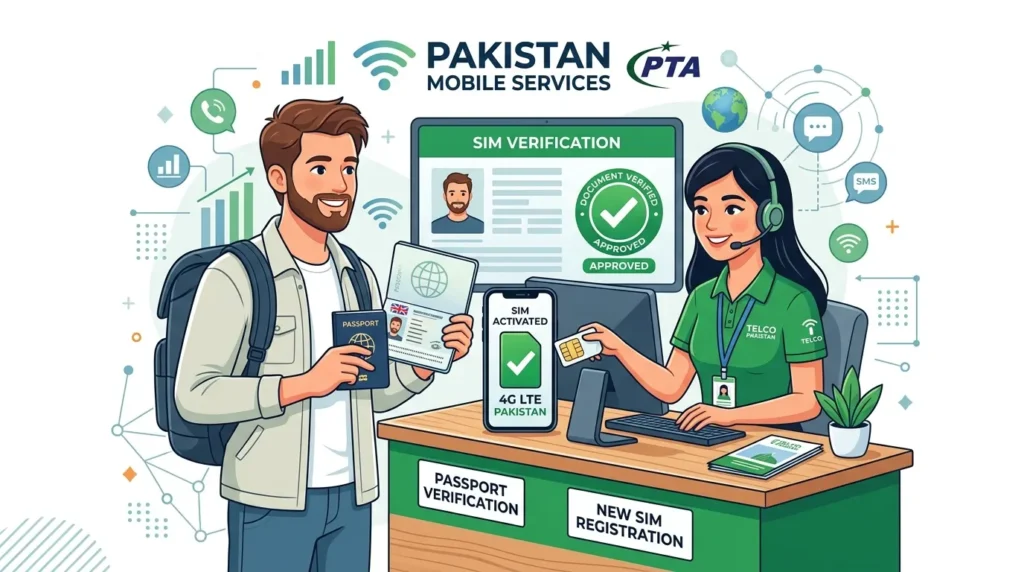
Documents You Need
- Your original, valid passport with a valid Pakistan visa or entry permission. Photocopies are not accepted for biometric registration.
- Your thumbprint for biometric verification at the franchise, matched against the record held for your passport.
- Your address in Pakistan where you are staying, which the franchise may ask for on the registration form.
- Your email address or an alternative contact number in case the operator needs to reach you.
Keep your passport safe and do not hand it to a street seller or an unlicensed agent. Only buy from an official franchise or service centre of Jazz, Zong, Telenor or Ufone.
How to Get a Pakistan SIM Card as a Foreigner: Step by Step
Step 1: Choose your network
All four operators work for visitors. Jazz has the widest overall coverage, Zong is strong on 4G data and is popular with business travellers, Telenor is strong in many northern and rural areas, and Ufone is competitive on call packages. If you are heading to the northern areas, ask specifically about coverage on your route before you choose. If you already have a phone, check it is unlocked and compatible with Pakistani networks.
Step 2: Visit an official franchise or service centre
Go to an official franchise or service centre, not a roadside stall. Major airports and shopping malls have franchise counters. Tell the staff you are a foreign visitor and need a SIM registered on your passport.
Step 3: Complete biometric verification
The staff will enter your passport details and verify your thumbprint. This is the same biometric system used for Pakistani citizens, and it is a PTA requirement for every SIM in Pakistan. Do not skip this step, and do not let anyone complete it for you.
Step 4: Choose a prepaid package
Prepaid is the right choice for almost every visitor. Pick a bundle with enough data for maps and messaging, plus some call minutes. Ask the staff to confirm the price, the validity and the data limit in writing before you pay, and ask them to activate the package while you are still in the shop.
Step 5: Test the SIM before you leave
Insert the SIM, make a test call, send a test SMS and open a website on mobile data. Find out your own number straight away. Our guide to checking your own SIM number in Pakistan gives the codes for every network. Save the franchise receipt and note the date the SIM was issued.
Best Mobile Networks for Foreign Visitors
| Network | Strengths for visitors |
| Jazz | Widest coverage, many franchises, airport counters |
| Zong | Strong 4G data, popular with business travellers |
| Telenor | Good coverage in northern and rural areas |
| Ufone | Competitive call packages |
Coverage varies by area, so if you are travelling outside the main cities, coverage matters more than the cheapest bundle.
How Much Does a SIM Cost for a Foreigner?
SIM prices and bundle prices change often, so the price at the franchise is the only reliable figure. As a rule, the SIM itself is inexpensive, and a monthly prepaid data bundle is the main cost. Ask for the total price, including any activation charge, before you pay, and get a printed receipt. Avoid anyone who charges a large premium for a “tourist SIM” outside an official franchise.
How Long Is a Foreigner’s SIM Valid?
A SIM issued on a passport is a temporary registration linked to your stay in Pakistan. Its validity depends on your visa and the operator’s policy for foreign registrations, so ask the franchise for the exact expiry date when you buy it, and confirm whether it can be extended if your stay is extended. If the SIM stops working, check first whether it has expired or needs re-verification, rather than assuming the network is at fault. See our guide on SIM card not working: 17 causes and quick fixes for the checks to run.
Can Foreigners Use eSIM in Pakistan?
Yes, if your phone supports eSIM and your chosen operator offers it to foreign visitors on a passport registration. The registration and biometric steps are the same as for a physical SIM. See our guide to activating an eSIM in Pakistan on Jazz, Zong, Telenor and Ufone before you decide.
What About Roaming With Your Home SIM?
International roaming keeps your home number working, but it is usually much more expensive than a local SIM, especially for data. Many visitors keep their home SIM for banking codes and use the Pakistani SIM for calls, data and local apps. If your phone has two SIM slots or eSIM, you can use both at the same time.
Mistakes Foreign Visitors Should Avoid
- Buying a SIM from a street seller or an agent who offers to register it in someone else’s name.
- Leaving the shop without testing calls, SMS and data.
- Not asking the expiry date of the SIM.
- Sharing your passport number, OTP or SIM details with anyone who calls or messages you.
- Assuming the SIM will keep working after you leave Pakistan and return months later. Check its status before your next trip.
PTA rules are strict for a reason. Pakistan allows a maximum of 8 SIMs per CNIC, 5 voice and 3 data-only, and every SIM must be registered to a real person with biometric verification. If you are asked to use a SIM that is not in your name, walk away. Our PTA SIM rules 2026 guide explains the current limits and verification rules.
What to Do When You Leave Pakistan
Before you leave, cancel any auto-renewing bundle you no longer need, keep your Pakistani number written down with its expiry date, and do not give the SIM to anyone else. If the number was linked to accounts you still use, keep it active only if the operator allows it for your visa status, and never let someone else use a SIM registered in your name.
Conclusion
Getting a SIM in Pakistan as a foreigner is straightforward: take your original passport to an official franchise, complete biometric verification, choose a prepaid bundle, and test the SIM before you leave the shop. Buy only in your own name, ask for the expiry date, and keep your receipt. That is all it takes to have local calls, data and maps working for the whole of your stay.
FAQs: Pakistan SIM Card for Foreigners
Can a tourist buy a SIM card in Pakistan?
Yes, a tourist with a valid passport and visa can buy a prepaid SIM at an official franchise after biometric verification.
Do I need a CNIC to get a SIM in Pakistan?
No. Foreign visitors register with their passport. A CNIC is only for Pakistani citizens. NICOP holders can register with their NICOP.
Where is the best place to buy a SIM as a foreigner?
At an official franchise or service centre of Jazz, Zong, Telenor or Ufone, including counters at major airports. Avoid street sellers.
Can I get a SIM at the airport in Pakistan?
Franchise counters are available at major airports, but opening hours and stock vary, so have a backup plan if you arrive late at night.
What should I do if my SIM stops working?
Check whether the SIM has expired, test it in another phone, and contact the operator helpline: Jazz 111, Zong 310, Telenor 345, Ufone 333. The PTA helpline is 0800-55055.
Sources: Pakistan Telecommunication Authority, pta.gov.pk; Jazz, Zong, Telenor and Ufone. Checked on 16 November 2026.