
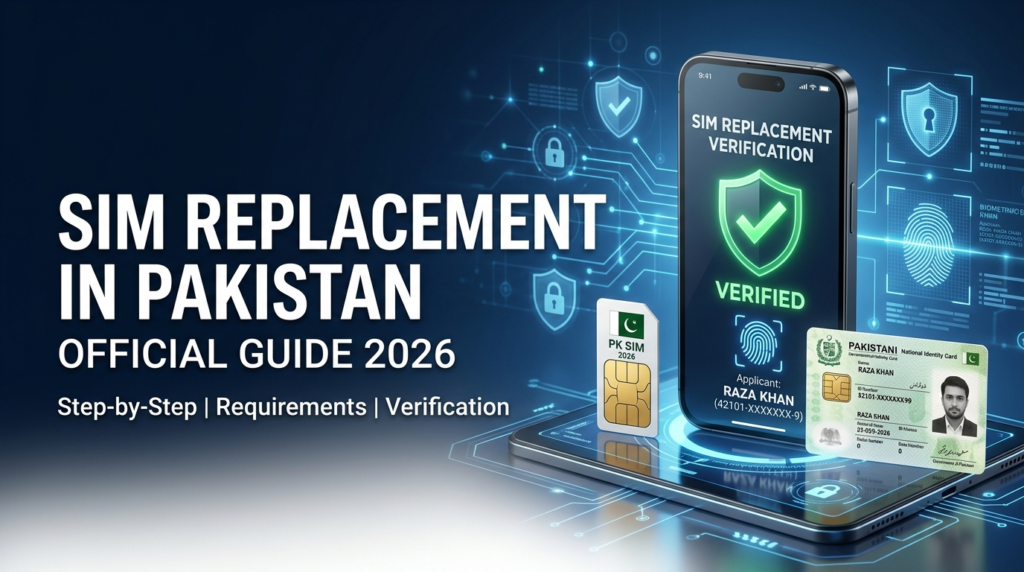
Quick Answer
If your SIM is lost or stolen, block it first — call your operator’s helpline from any other phone: Jazz 111, Zong 310, Telenor 345, Ufone 333. Give your mobile number and CNIC number, and ask for the SIM to be blocked immediately. Then visit the nearest authorized franchise with your original CNIC, complete biometric verification, and you will get a replacement SIM with the same number, usually in 15–30 minutes, for about Rs. 100–250 depending on the operator. After activation, restore WhatsApp with the OTP, check your bank apps and JazzCash or Easypaisa, and set a SIM PIN.
In Roman Urdu: agar aap ki SIM gum ho jaye ya chori ho jaye to sab se pehle usay block karwayein — helpline par call kar ke number aur CNIC batayein. Phir asal CNIC le kar franchise jayein, biometric verification ke baad wahi number wali nayi SIM mil jaye gi. Chori hui sim band karne ka tarika yehi hai, aur yehi sab se tez tareeqa hai.
Why the First 30 Minutes Matter More Than Anything Else
A lost SIM is not just a lost phone number. Your number is the key to almost everything on your phone: WhatsApp, your bank app, JazzCash or Easypaisa, your email, your Facebook and Instagram, and every service that sends you an OTP by SMS.
If someone finds your phone — or steals it — and the SIM is still active, they can receive your OTPs. They can try to reset your passwords, approve a transaction, or take over your WhatsApp. The longer the SIM stays active, the more they can try.
That is why the order matters: block first, replace second. Do not go to the franchise first and do not wait until tomorrow morning. A phone call takes five minutes. A replacement takes half an hour. The call is what stops the misuse.
This guide is about a SIM you own that has been lost or stolen. If instead you found a SIM on your CNIC that was never yours, that is a different problem — see Block Unauthorized SIM Online in Pakistan.
Step 1: Block Your Lost or Stolen SIM Immediately
You do not need your own phone to do this. Borrow any phone and call your operator’s helpline:
| Operator | Helpline | What they will ask |
| Jazz | 111 | Mobile number + CNIC number |
| Zong | 310 | Mobile number + CNIC number |
| Telenor | 345 | Mobile number + CNIC number |
| Ufone | 333 | Mobile number + CNIC number |
Tell them clearly: “My SIM is lost / stolen. Please block it immediately.” They will verify a few details, block the SIM, and give you a complaint reference number. Write it down. You may need it at the franchise and for any later dispute.
What happens the moment your SIM is blocked?
- You cannot receive incoming calls on that number.
- You cannot send or receive SMS, including OTPs.
- Your WhatsApp will still show your old chats on the phone, but no new OTP can be received on the blocked SIM.
- Your number itself is not cancelled — it is frozen. It stays reserved for you so you can get it back on a new SIM.
While the SIM is blocked, also protect your money
Your mobile wallet is not automatically blocked when your SIM is blocked. So in the same hour, do this:
- Call your bank and tell them your SIM is lost, so they can watch for unusual transactions.
- Open JazzCash or Easypaisa from another device if you can, and check recent transactions. If your wallet app asks for an OTP you cannot receive, contact their helpline and ask for a temporary block.
- Change the password of your email account from a computer, because email is often the recovery route for everything else.
Do not share your OTP with anyone who calls you claiming to be from the bank or the operator. Real staff never ask for your OTP.
Step 2: Prepare the Documents for SIM Replacement
Before you leave home, collect these. A missing document is the most common reason a replacement visit fails.
| Document / item | Why it is needed |
| Original CNIC | Identity verification — a photocopy is not accepted |
| Biometric verification | Your fingerprint, matched at the franchise |
| Complaint reference number | Proves you already reported the loss |
| Police FIR | Required by some operators if the phone was stolen, not just lost |
| Payment for the replacement | Around Rs. 100–250, depending on the operator |
Two points people get wrong:
- Photocopy of CNIC is not enough. The franchise needs the original card and your live fingerprint. If you have also lost your CNIC, you must apply for a CNIC replacement first, then visit the operator.
- A police FIR is not always required for a lost SIM, but it often is for a stolen phone. If your phone was snatched or stolen, file an FIR at your nearest police station and keep a copy. It protects you if the phone or SIM is later used in a crime, and some operators ask for it before issuing a replacement.
Step 3: Visit the Nearest Franchise and Get Your Replacement SIM
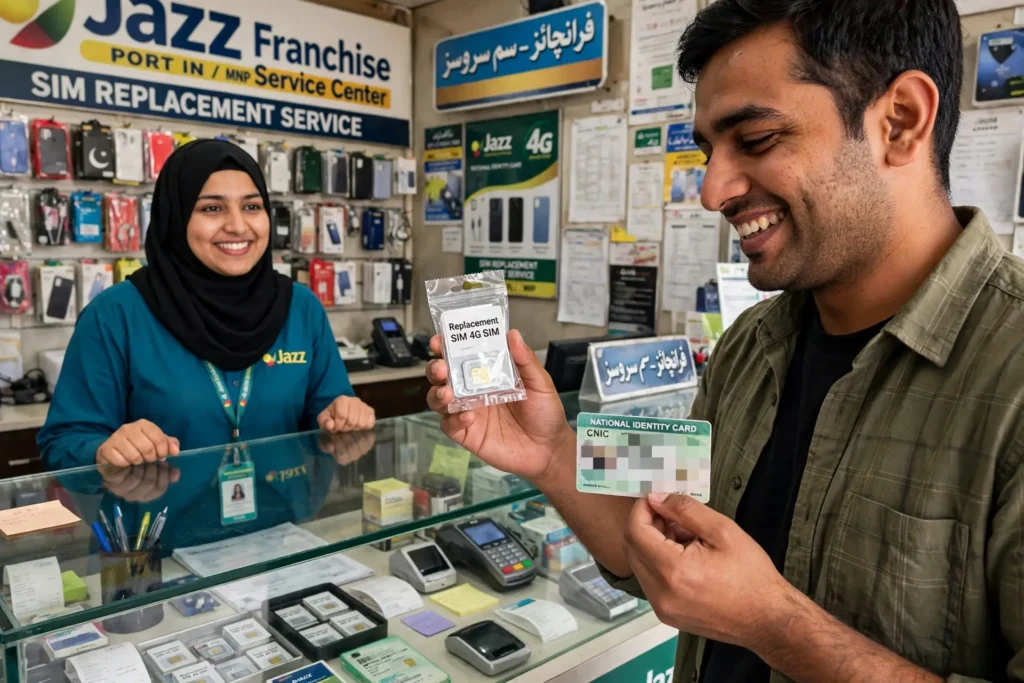
Go to an authorized customer service centre or franchise of your network — not a roadside shop. The staff will:
- Verify your original CNIC.
- Take your fingerprint on NADRA’s biometric verification system.
- Confirm the number belongs to you and is currently blocked.
- Issue a new SIM card with the same mobile number.
- Activate it, usually within a few minutes.
The whole replacement usually takes 15–30 minutes. Your old SIM card is useless after this — the number now lives on the new SIM.
Operator-wise replacement — what is different?
- Jazz SIM replacement: Visit any authorized Jazz Experience Centre or franchise. After CNIC and biometric verification, you receive a new SIM for the same number, with your balance and services carried over where applicable.
- Zong SIM replacement: Visit a Zong Customer Service Centre or authorized franchise. Fingerprint verification is completed first. Postpaid users may need to settle outstanding dues before the replacement is issued.
- Telenor SIM replacement: Visit a Telenor Sales and Service Centre. Show your original CNIC, complete verification, and your number is reactivated on the new SIM.
- Ufone SIM replacement: Visit any official Ufone service centre. After identity verification, the replacement is usually completed in a few minutes.
- SCO SIM replacement: SCO subscribers in Gilgit-Baltistan and Azad Jammu & Kashmir should visit an SCO Customer Service Centre. If you do not know the nearest centre, call SCO customer service first.
For the rules that sit behind this process — including the 2026 disowning period — read our PTA SIM Rules 2026 guide. Note: the 365-day disowning rule does not stop you from blocking a lost SIM or getting a duplicate SIM for the same number. Blocking and replacement are emergency actions; disowning is a different thing.
How Much Does SIM Replacement Cost in Pakistan?
| Item | Typical range in 2026 |
| Replacement SIM charges | Rs. 100–250 (varies by operator) |
| Helpline block request | Free |
| 668 CNIC SIM check (optional) | Rs. 2 plus tax per SMS |
The exact charge differs by operator and sometimes by franchise, so confirm the fee before you pay. There is no official fee for reporting a lost SIM — if someone at a shop asks for a large “blocking fee”, go to an authorized franchise instead.
What Happens After You Get the New SIM?
Getting the new SIM is the middle of the story, not the end. The number is back, but your accounts need to be re-secured one by one. Do these in order, on the same day if you can:
1. Verify WhatsApp again
Open WhatsApp, enter your number, and type the OTP that now arrives on your new SIM. If your chats were backed up to Google Drive or iCloud, you can restore them during setup. Your contacts will return if they were synced with your Google or iCloud account, or stored on the device.
If WhatsApp says the number is already registered on another device, do not panic — use the in-app account recovery and, if needed, contact WhatsApp support. Never share the six-digit WhatsApp code with anyone.
2. Check your bank apps
Open each banking app and review recent transactions. If you see a transaction you did not make, call the bank’s helpline immediately and report it. Most banks have a 24-hour fraud helpline — save that number in your phone now, before you need it.
3. Reopen your mobile wallet
Open JazzCash or Easypaisa, verify with the OTP sent to your new SIM, and check the transaction history. If an unauthorized transaction appears, report it to the wallet’s helpline the same day and keep the complaint number.
4. Switch two-factor authentication from SMS to an authenticator app
Most apps use your mobile number as a second security layer. After a SIM loss, that is exactly the weakness an attacker can exploit. Where the app allows it, change your two-factor method from SMS to an authenticator app (such as Google Authenticator). An authenticator code lives on your phone, not on your SIM, so losing the SIM does not hand it to a thief.
5. Set a SIM PIN
Most phones let you set a PIN for the SIM card itself. Once it is set, the SIM cannot be used in another phone without the PIN — even if the phone is stolen. Choose a PIN that is not your birth year or 1234, and do not write it on the SIM packet.
What If You Lost Your CNIC as Well?
This happens more often than people admit — the wallet with the phone, the CNIC and the bank cards all go together. In that case:
- Apply for a CNIC replacement at NADRA first. You cannot complete biometric SIM verification without a valid CNIC.
- Keep the NADRA receipt and any temporary document they give you.
- Once you have your new CNIC, visit the operator’s franchise for the SIM replacement.
- In the meantime, keep your SIM blocked through the helpline, and keep your bank and wallet accounts under watch.
Do not accept an offer from a shop to issue a replacement SIM “without CNIC” or “on a photocopy”. That is not a legal shortcut — it is how unauthorized SIMs are created.
Lost SIM vs Stolen SIM — Is the Process Different?
The blocking and replacement steps are the same, but a stolen phone needs two extra actions:
| Situation | Extra action |
| Lost SIM | Block it, replace it, restore your accounts |
| Stolen phone | Block it, file a police FIR, and use your phone’s Find My Device / tracking feature if it was enabled |
Filing an FIR matters because it creates an official record that the phone was stolen on a specific date. If the phone is later used for a crime, that record is your protection. It also helps if your operator asks for proof of theft before issuing a replacement.
Also, if your phone had a tracking feature switched on — Google Find My Device on Android, or Find My on iPhone — try to locate or remotely lock it from a computer as soon as you can. Do not go to recover the phone yourself if the location looks dangerous; give the information to the police.
How to Check That No Extra SIM Appeared on Your CNIC
After a loss, it is a good moment to check your whole CNIC record. Send your 13-digit CNIC without dashes to 668, or check free at cnic.sims.pk. You should see only the numbers you actually own.
If the count is higher than expected, do not ignore it. Learn how to Check SIM Owner Details by Number through official methods, and check How Many SIMs on My CNIC Check Online for the full method. An unknown SIM found after a theft should be reported to the operator the same day — see our guide on Block Unauthorized SIM Online in Pakistan.
Seven Habits That Make the Next Loss Much Less Painful
- Save your operator’s helpline in your contacts today: Jazz 111, Zong 310, Telenor 345, Ufone 333.
- Turn on your phone’s tracking feature and test that it works.
- Back up your WhatsApp chats to Google Drive or iCloud every week.
- Keep a note of your mobile number and CNIC number somewhere safe at home — not in the phone itself.
- Never share an OTP with anyone, for any reason.
- Set a SIM PIN and a strong phone lock screen.
- Check the SIMs on your CNIC every few months, so a problem is caught early.
A lost SIM is stressful, but it is also one of the most fixable problems in Pakistani telecom. The number is recoverable, the accounts are recoverable, and the whole process is designed to be done in one visit. The only part that cannot be undone is the time between the loss and the block — so make that gap as short as possible.
Conclusion
If your SIM is lost or stolen in Pakistan, the right order is: block it immediately by calling your operator’s helpline, protect your bank and wallet accounts in the same hour, then visit an authorized franchise with your original CNIC for biometric verification and a replacement SIM with the same number. Expect 15–30 minutes and roughly Rs. 100–250. Afterwards, restore WhatsApp, check your transactions, switch two-factor authentication to an authenticator app, and set a SIM PIN.
Do not delay the block, do not pay a third party for a “quick replacement”, and do not share your OTP with anyone. Block first, replace second, secure everything third — and you will have your number back with your accounts intact.
Last updated: 15 November 2026. Charges and operator procedures can change — confirm the current fee and process with your operator before you visit a franchise, and verify PTA guidance at pta.gov.pk.
Related guides on SIM Owner Detail Pakistan: Check SIM Owner Details by Number • How Many SIMs on My CNIC Check Online • Block Unauthorized SIM Online in Pakistan • PTA SIM Rules 2026
FAQs — Lost or Stolen SIM Replacement Pakistan
1. How can I block my lost SIM in Pakistan?
Call your operator’s helpline from any other phone — Jazz 111, Zong 310, Telenor 345, Ufone 333 — give your mobile number and CNIC number, and ask them to block the SIM immediately. They will give you a complaint reference number.
2. Chori hui SIM kaise band karein aur nayi SIM kaise lein?
Pehle helpline par call kar ke SIM block karwayein, phir asal CNIC le kar qareebi franchise jayein. Biometric verification ke baad aap ko wahi number wali nayi SIM mil jaye gi, aam tor par 15–30 minute mein.
3. Can I get the same number after losing my SIM?
Yes. If the SIM was registered in your name, the operator issues a duplicate SIM with the same mobile number after CNIC and biometric verification at an authorized franchise.
4. How long does SIM replacement take in Pakistan?
Usually 15–30 minutes at the franchise, once your identity is verified. The blocking call itself takes only a few minutes.
5. How much does SIM replacement cost?
Typically Rs. 100–250, depending on the operator. Confirm the exact fee at the franchise before paying. Reporting a lost SIM on the helpline is free.
6. Can someone else collect my replacement SIM for me?
No. The registered owner must collect the new SIM in person, because biometric verification is mandatory. Nobody can collect it on your behalf with only a photocopy of your CNIC.
7. What if I lost my CNIC along with my phone?
Apply for a CNIC replacement at NADRA first, then visit your operator for the SIM replacement. Keep your SIM blocked through the helpline in the meantime, and watch your bank and wallet accounts.
8. Will my WhatsApp and bank accounts work after SIM replacement?
Yes, once the new SIM is active you can verify WhatsApp with the OTP sent to your number and restore your chats from a backup. Check your bank apps and wallets for any unauthorized transaction and report it immediately if you find one.
Pingback: SIM Card Not Working? 17 Causes & Quick Fixes in Pakistan (2026)
Pingback: How to Block SIMs on a Deceased Person's CNIC in Pakistan (2026)
Pingback: How to Check PTA IMEI Status in Pakistan (2026) – 8484 & DIRBS