
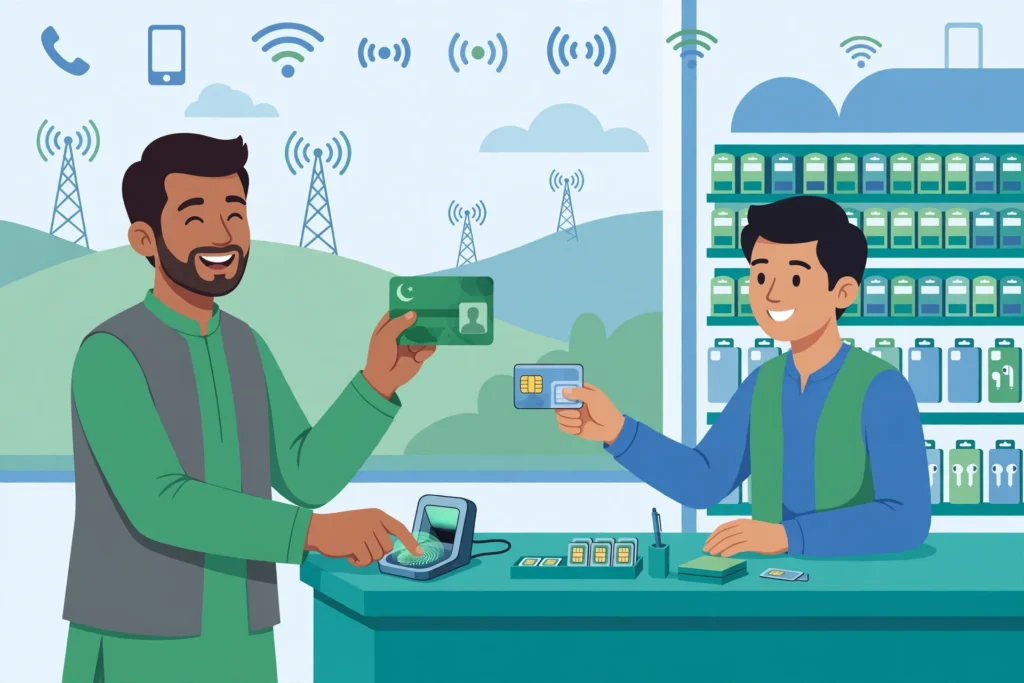
Need a new SIM card in Pakistan? The process is simple, but it is not the same as it was a few years ago. Today every new SIM is issued only after biometric verification, and the SIM is registered in your name against your CNIC, NICOP or passport. This guide explains how to buy a new SIM card in Pakistan in 2026 — the price on Jazz, Zong, Telenor and Ufone, the documents you need, the biometric step, and how to activate your number the same day.
Whether you are a Pakistani citizen getting your first number, an overseas Pakistani visiting home, or a tourist arriving at the airport, you will find the exact steps for your situation below. Prices and rules were checked in November 2026. Prices change often, so always confirm the current price at the franchise before you pay.
Quick Answer: How to Buy a New SIM in Pakistan
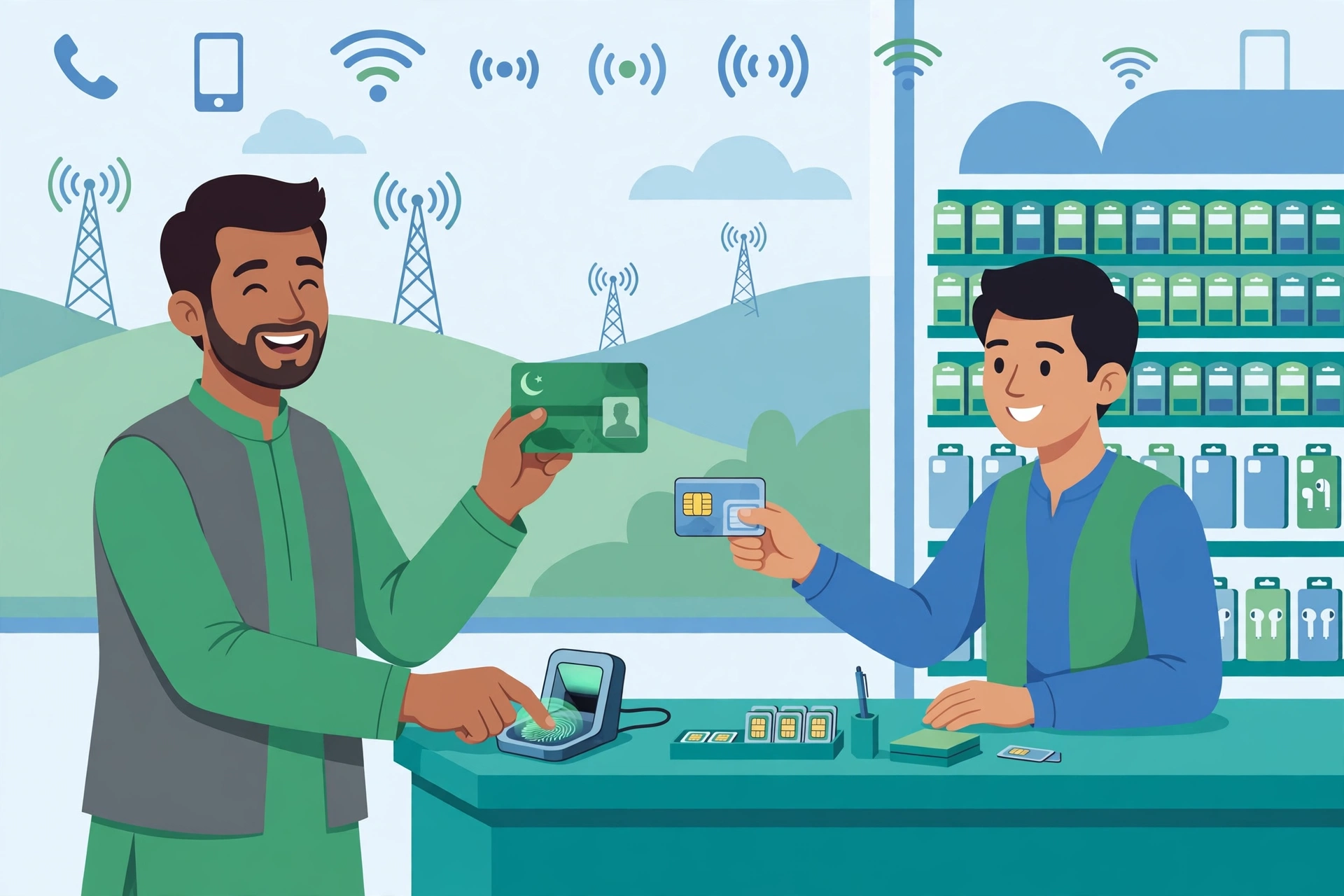
Go to an official franchise, service centre or authorised retailer of Jazz, Zong, Telenor or Ufone with your original CNIC (or NICOP if you live abroad, or passport with a valid visa if you are a foreigner). Choose a number, give your thumbprint on the biometric device, pay the price, and your SIM activates immediately after verification. A new prepaid SIM starts from around Rs. 350. You cannot buy a Pakistani SIM online and have it shipped to you without biometric verification — your presence is mandatory.
Documents You Need for a New SIM
The document depends on who you are. The table below covers every case.
| Who you are | Document needed | Biometric |
|---|---|---|
| Pakistani citizen | Original CNIC | Yes — thumbprint |
| Overseas Pakistani | Original NICOP | Yes — thumbprint |
| Foreign national / tourist | Original passport + valid visa | Yes — thumbprint |
| Child under 18 | Cannot buy a SIM on their own CNIC — a parent or guardian must get it on their CNIC | Guardian’s thumbprint |
Photocopies do not work. You must bring the original document, and you must be present yourself. Nobody can buy a SIM in your name using only your CNIC number — and nobody should. If someone offers to sell you a SIM without biometric verification, walk away. That SIM is either fake or registered in someone else’s name, and it can get you into serious trouble. Read our guide on the PTA SIM warning to understand why this matters.
New SIM Price in Pakistan 2026
A new prepaid SIM is cheap. The exact price depends on the network and the number you choose. A normal number costs the least; a “choice” or “golden” number with an easy pattern costs more.
| Network | New prepaid SIM (normal number) | New postpaid SIM |
|---|---|---|
| Jazz | From Rs. 350 | From Rs. 350 + refundable security deposit (minimum Rs. 1,100, depends on the plan) |
| Zong | From Rs. 350 | From Rs. 350 + security deposit |
| Telenor | From Rs. 350 | From Rs. 350 + security deposit |
| Ufone | From Rs. 350 | From Rs. 350 + security deposit |
These are starting prices for a normal number, checked in November 2026. Choice numbers can cost hundreds or thousands of rupees more, depending on how special the number is. Ask the price of the exact number before you pay, and get a receipt.
One more cost to know about: if you want an eSIM instead of a physical SIM, PTA has capped the eSIM price at Rs. 1,500 since 17 August 2026. Jazz, Zong and Ufone all list Rs. 1,500 on their eSIM pages now. Some older pages still show Rs. 2,000 — the PTA cap of Rs. 1,500 is the rule that applies. See our eSIM in Pakistan 2026 guide for the full activation steps.
How to Buy a New SIM: Step by Step
Step 1: Check how many SIMs are already on your CNIC
Before you buy another SIM, check how many SIMs are already registered in your name. PTA allows a maximum of 8 SIMs on one CNIC — 5 voice SIMs and 3 data-only SIMs. If you are already at the limit, the new SIM will not be issued. Send your CNIC number (without dashes) by SMS to 668 to see your total. It costs Rs. 2 plus tax. Our guide on how many SIMs are on your CNIC explains the full check.
Step 2: Choose your network
Pick the network with the best coverage where you live and work. Jazz has the widest coverage in Pakistan, Zong is very strong in Lahore and Karachi and is known for fast data, Telenor is reliable in Islamabad and across the country, and Ufone is the budget-friendly option. If you are unsure, read our comparison of Jazz vs Zong vs Telenor vs Ufone before you decide.
Step 3: Visit a franchise, service centre or retailer
Go to an official Jazz, Zong, Telenor or Ufone franchise, Experience Centre, service centre or authorised retailer. You can also buy from a small mobile shop, but only buy from a shop you trust — and never skip the biometric step. Official franchises are the safest option because the SIM is registered correctly in your name on the spot.
Step 4: Choose your number
The staff will show you available numbers. A normal number costs the starting price. If you want a special number — for example, one that ends in your birth year or has a repeated pattern — it will cost extra. The price depends on the number category, so ask first.
Step 5: Give your thumbprint (biometric verification)
This is the most important step. You place your thumb on the biometric device, and it is matched against your NADRA record. This is called Biometric Verification System (BVS). Without a successful thumbprint match, the SIM cannot be issued. Our biometric SIM verification guide explains what to do if your thumbprint does not match — usually wet or dry hands, a worn fingerprint, or an old NADRA record is the cause.
Step 6: Pay and activate
Pay the price, insert the SIM in your phone, and it works immediately after successful biometric verification. You do not have to wait hours or a day. If the SIM shows “No Service”, restart your phone once. If it still does not work, go back to the franchise with your receipt.
Can You Buy a New SIM Online in Pakistan?
Yes, but only partly. Jazz lets you order a new SIM on its website (jazz.com.pk/buy-a-new-sim) or through the JazzWorld app. A Jazz rider delivers the SIM to your door within 24 business hours, you choose your number with the rider, and you complete biometric verification on the rider’s device. You pay cash when you receive the SIM. Existing Jazz customers can also order through the JazzWorld app or by dialling *5299#.
But note the rule: even an online order ends with in-person biometric verification at your door. There is no way to get a Pakistani SIM fully online without showing your thumbprint. Any website that promises a SIM without biometric verification is a scam.
Buying a SIM at the Airport (for Tourists and Overseas Pakistanis)
If you are arriving from abroad, all four networks have kiosks at the international airports in Islamabad, Lahore and Karachi. Bring your original passport and a valid visa. The staff will scan your passport, take your thumbprint, and activate the SIM in about 10 minutes. Overseas Pakistanis can use their NICOP instead of a passport.
Tourist bundles in November 2026 (prices change, confirm at the kiosk): Jazz around Rs. 500 for 30 days with 10 GB data and unlimited Jazz-to-Jazz calls; Zong around Rs. 450 for 30 days with 8 GB data and 200 any-network minutes; Telenor around Rs. 600 for 30 days with 15 GB data; Ufone around Rs. 350 for 30 days with 7 GB data.
One important warning for visitors: if you brought a phone from abroad and put a Pakistani SIM in it, PTA requires the phone to be registered by IMEI (DIRBS). Visitors can register one personal phone free for up to 120 days from arrival. Check your phone’s status with our PTA IMEI status guide before you travel.
Buying a SIM for Someone Else
You cannot buy a SIM in someone else’s name. The SIM is registered to the person whose thumbprint is given. If you want a SIM for your child under 18, it must be registered on the parent’s or guardian’s CNIC. If you want a SIM for an elderly parent who cannot visit the franchise, ask the operator about their home-visit or assisted process — but never use your CNIC to get a SIM that someone else will use. Our SIM ownership transfer guide explains how to move a number to the correct person’s name later.
What to Do After Buying Your New SIM
Once your SIM is active, do these five things:
- Check the number: Dial the code for your network to see your own number, or ask the franchise staff to confirm it. Save it in your phone.
- Check your registration: Send your CNIC number to 668 and confirm the new SIM now shows in your total. If it does not appear within a day, contact the franchise.
- Load a bundle, not just balance: Using mobile data without a bundle is very expensive. Buy a monthly internet or call bundle from your network’s app or by dialling the bundle code.
- Save your receipt: Keep the payment receipt and the SIM jacket with the PUK code. You will need the PUK if you ever lock your SIM with a wrong PIN.
- Set a SIM PIN: A PIN stops anyone from using your SIM if your phone is stolen. But remember the PIN — three wrong tries will lock the SIM.
Common Problems When Buying a New SIM
Thumbprint does not match: Wash and dry your hands, try another finger, and ask the staff to clean the device. If it still fails, your NADRA fingerprint record may need updating at a NADRA centre.
SIM limit reached: You already have 8 SIMs on your CNIC. Block or disown a SIM you no longer use — our guide to blocking an unauthorised SIM shows how — then try again.
SIM not working after purchase: Restart your phone, check the SIM is inserted correctly, and confirm the number is active by calling the helpline. If the problem continues, return to the franchise with your receipt the same day.
Someone sold you a SIM without biometric verification: Do not use it. A SIM not registered in your name can be blocked at any time, and if it is misused, the legal trouble falls on the person it is registered to. Buy only from official franchises and retailers.
Frequently Asked Questions
How much does a new SIM cost in Pakistan in 2026?
A new prepaid SIM starts from around Rs. 350 on Jazz, Zong, Telenor and Ufone. Choice or golden numbers cost more. Postpaid SIMs start from Rs. 350 plus a refundable security deposit (minimum Rs. 1,100 on Jazz, depending on the plan).
What documents do I need to buy a SIM in Pakistan?
Pakistani citizens need their original CNIC, overseas Pakistanis need their original NICOP, and foreigners need an original passport with a valid visa. Everyone must give a thumbprint for biometric verification in person.
Can I buy a SIM card online in Pakistan?
You can order online from Jazz, but the SIM is delivered to your door and biometric verification is still done in person by the rider. A SIM cannot be activated without biometric verification.
How long does it take to activate a new SIM?
Activation is immediate after successful biometric verification. If the SIM does not work, restart your phone once and check again.
How many SIMs can I have on one CNIC?
PTA allows a maximum of 8 SIMs per CNIC — 5 voice SIMs and 3 data-only SIMs, across all networks combined. Check your total by sending your CNIC number to 668.
Can a tourist buy a SIM card at the airport in Pakistan?
Yes. Jazz, Zong, Telenor and Ufone all have kiosks at Islamabad, Lahore and Karachi airports. Bring your original passport and visa, give your thumbprint, and the SIM is active in about 10 minutes.
Can I buy a SIM for my child under 18?
Not on the child’s own CNIC. A SIM for a child must be registered on a parent’s or guardian’s CNIC, with the guardian’s biometric verification.
Conclusion
Buying a new SIM card in Pakistan in 2026 is quick and cheap — a normal prepaid SIM starts from around Rs. 350 and activates immediately after biometric verification. The key rules are simple: bring your original CNIC, NICOP or passport, go to an official franchise or retailer, give your thumbprint, and check by SMS to 668 that the SIM is registered in your name. Never buy a SIM without biometric verification, and never let anyone use your CNIC to get a SIM. If you want to know who owns a number or check the SIMs on your CNIC, use our SIM owner details check and the 668 service — both are official, free to check, and keep your identity safe.
Updated 20 November 2026. Prices and rules were checked in November 2026 and can change — confirm the current price at your network’s franchise before you pay.
Pingback: NICOP vs CNIC: Which One Works for SIM Registration in 2026?
Pingback: How to Check Your Own Mobile Number in Pakistan 2026: Jazz, Zong, Telenor, Ufone