
All Mobile Network Secrets: Check SIM Owner Numbers Without Using Internet (668 & 667 Code)
Check SIM Owner Numbers Without Using Internet, Checking your SIM information does not always require accessing the Internet. If you are using a dial-up phone, you are in an area with a weak signal, or your phone’s data is not working, you can always check critical SIM data through special SMS services.
Especially in Pakistan, operators offer SMS services 668 and 667 to inquire about SIM card information without downloading special applications or searching on the operator’s website. This SMS service is convenient and compatible with both smartphones and basic mobile devices.
In this guide, we will show you how to use the latest 668 and 667 codes, what information they provide, and which one is more useful in which cases.
Check: Sim Owner Details Pakistan
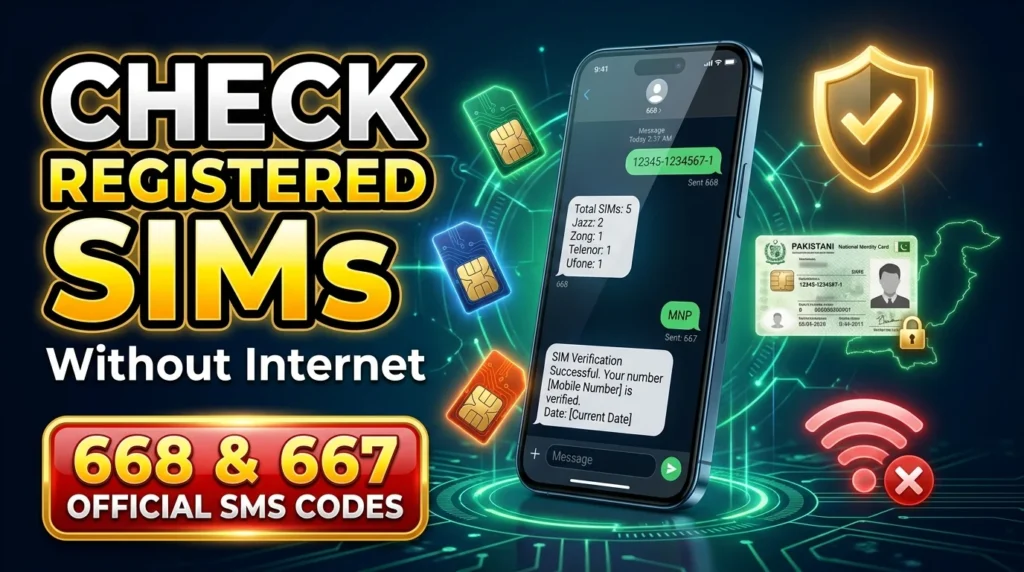
What Are the 668 and 667 Codes?
Although both codes are used for SIM verification, they serve different purposes.
| Code | Purpose | Information You Get |
| 668 | Check SIMs linked to your CNIC | Total number of active SIMs on each network |
| 667 | Verify the SIM in your phone | Basic SIM registration or network details (where supported) |
Knowing the difference helps you use the correct service for your needs.
How to Check SIM Count Using the 668 Code
The 668 SMS code is used to check how many mobile SIM cards are attested with your CNIC. It is essential if you want to monitor your mobile services and make sure everything is safe.
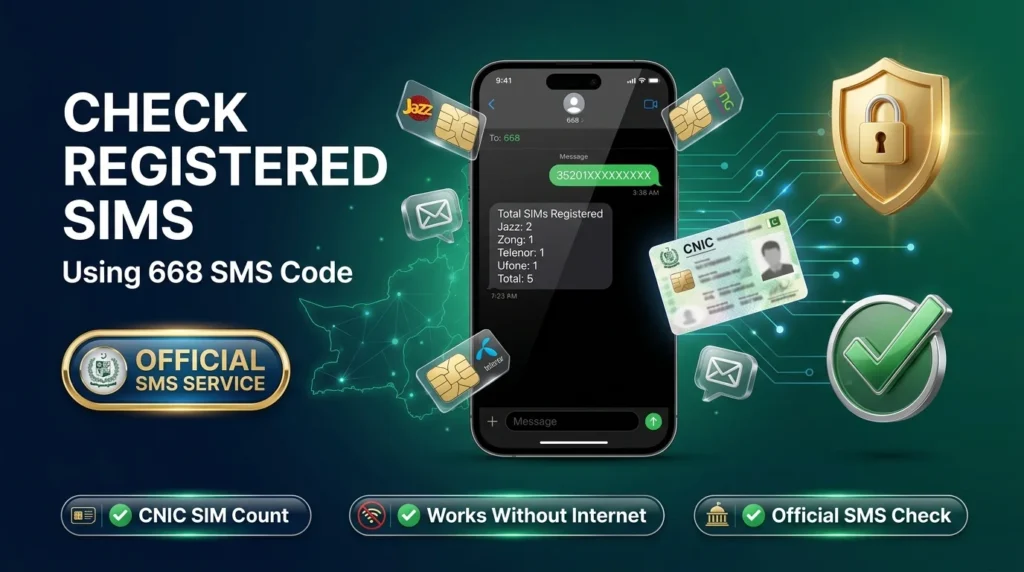
How to Use the 668 Code
- Go to messages,
- open a new message,
- type 668 in the field of numbers,
- add your 13-digit CNIC (without spaces and dash),
- send the message using any Pakistani SIM card,
- and wait for a reply.
- Once you send the code, you will get an automated response after some time.
Read More: 667 and 668 Not Working in Pakistan? Common Errors and Solutions
Reasons to Use the 668 Code
The 668 code helps you check how many SIM cards are registered with your CNIC. It allows you to track your mobile services and ensures that no unauthorized SIM cards are linked to your personal information. It also helps you confirm that your old SIM card has been canceled after you switch to a new one.
If you find more SIM cards registered with your CNIC than expected, contact your network provider to verify the exact number and resolve the issue.
How to Verify a SIM Using the 667 Code
If you want information about the SIM currently inserted in your phone, the 667 code may help depending on your mobile operator’s supported services.
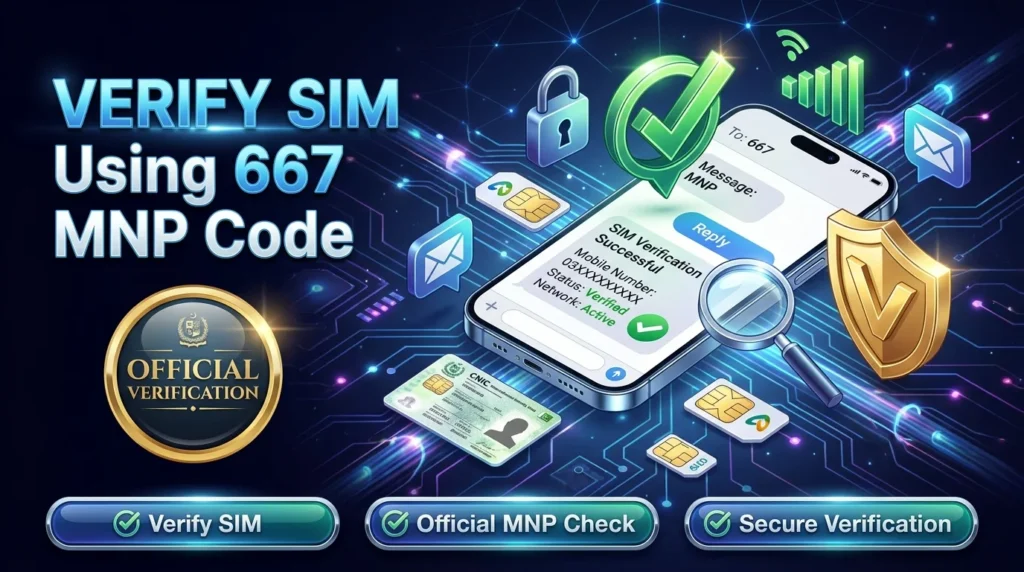
People commonly use this service to check an old SIM card, confirm a replacement SIM, or verify network information.
Steps to Use the 667 Code
- Insert the SIM card into your phone.
- Open the Messages app.
- Create a new SMS.
- Enter 667 as the recipient.
- Type MNP in the message body.
- Send the SMS.
If the service is available, you’ll receive an automated reply with basic SIM or network-related information.
Why Use the 667 Code?
The 667 service can help you:
- Verify an old SIM card.
- Check a newly replaced SIM.
- Confirm network information after Mobile Number Portability (MNP).
- Troubleshoot SIM activation issues.
Keep in mind that the information returned may vary depending on your mobile operator.
668 vs 667 – What’s the Difference?
| Feature | 668 | 667 |
| Works Without Internet | ✅ | ✅ |
| Uses SMS | ✅ | ✅ |
| Check Total SIMs on CNIC | ✅ | ❌ |
| Verify Current SIM | ❌ | ✅ |
| Compatible With Keypad Phones | ✅ | ✅ |
Option 1 (Best):
The 668 code shows the number of SIM cards registered under your CNIC, while the 667 code identifies the SIM card currently active in your phone.
In the upcoming section, we will discuss offline USSD Codes for Jazz, Zong, Ufone, and Telenor, as well as some essential SIM security practices, frequently asked questions, and a brief overview.
Offline USSD Codes for Major Mobile Networks
Besides the 668 and 667 SMS services, every mobile network in Pakistan provides USSD codes that let you check your balance, mobile number, and package information without internet access.
| Network | Check Number | Balance Check | Data/Package Info |
| Jazz | *99# | *111# | 1172# |
| Zong | *8# | *222# | *102# |
| Telenor | SMS to 7421 (follow operator instructions) | *444# | *999# |
| Ufone | 7803# (may vary) | *124# | *706# |
Tips to Keep Your SIM Secure
Checking one’s sim registration on a regular basis is undoubtedly helpful, nevertheless, there are some additional precautions that everyone should take in order to ensure the safety of their cellular accounts.
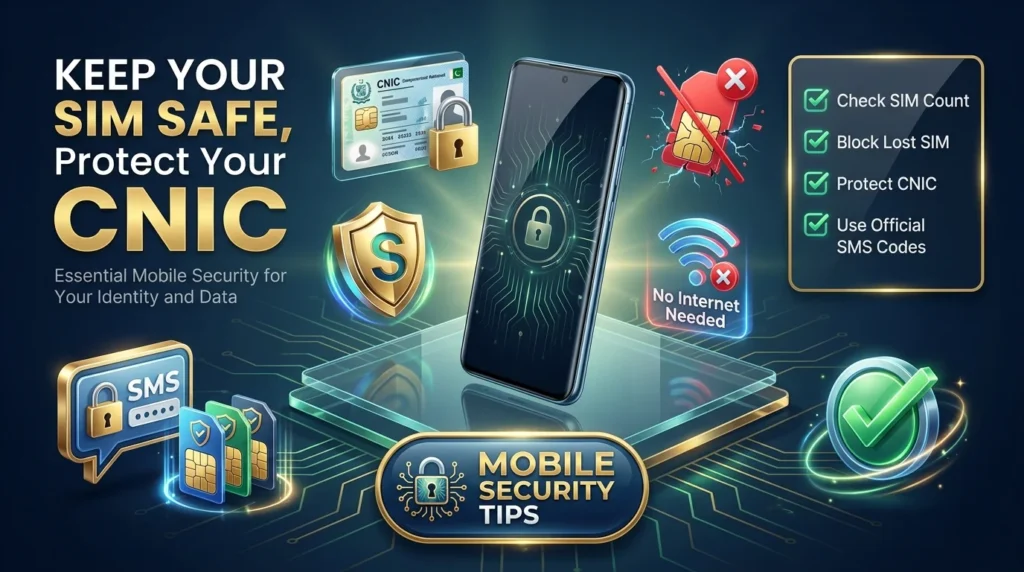
- Check your registered SIM cards every few months using the 668 service
- Do not enter your CNIC information on any random website or give it to anyone
- Report a lost or stolen SIM card to your carrier
- Deactivate any SIM cards you are no longer using
- And only use official telecom services
Take these measures to prevent identity theft and the misuse of your cellular network.
Conclusion
The 668 and 667 SMS services can be used to inquire about vital SIM data without having to use your mobile data or WiFi. Use these services to confirm the number of registered SIM cards against your CNIC. Also, to check the status of the SIM card currently in your possession. Make sure to always safeguard your CNIC and take periodic checks of your SIM registration through authorized telecom services.
Frequently Asked Questions
Is the 668 service free of charge?
A small fee for sending SMS may be charged depending on the operator. Please check the tariff rates for the mobile operator.
Can I use 668 and 667 services without internet access?
No, you do not need internet access because both services use SMS.
What should I do if there appear extra SIM cards on my CNIC list?
If you find additional SIM cards registered with your CNIC, contact your mobile operator to verify and remove them. If necessary, visit the nearest customer service center for further assistance.
Why does 667 code not work?
There may be some technical issues on the operator’s side or incorrect request formatting. Please make sure that you are using a valid SIM card. If the problem persists, contact the operator’s customer care service.
Pingback: Monthly Jazz Internet Packages with USSD Codes in Pakistan