
667 and 668 Not Working in Pakistan? Common Errors and Solutions
If 667/668 is not working, many mobile network users complain that they do not receive a response after sending an SMS, get an ” SMS failed ” message, or ” Invalid CNIC “, ” Record Not Found,” or other similar error messages.
Fortunately, most of these situations are temporary and can be solved on their own or by following simple steps. Only in rare cases is it necessary to immediately visit the customer service of telecommunications operators.
The reasons for 667/668 not working can be various: incorrect SMS format, insufficient balance, weak operator signal, temporary server problems, or failure to update SIM card data due to a permanent change in personal information.
This article describes all possible reasons why 667/668 may stop working and tells you what to do in each case.
Quick answer
If 667 /668 is not working, then please do the following:
- Make sure that you have entered the right information (number or CNIC).
- Check if you have the balance in your SIM.
- Check internet connectivity if applicable.
- Wait for some time if the network is busy.
- Try after restarting your device.
- Do not make more than 5-6 attempts.
If none of the given solutions is working, then you should contact your mobile network operator for further assistance.
More: Check SIM Owner Details in Pakistan
667 vs 668 – What’s the Difference?
| Feature | 667 | 668 |
| Main Purpose | Check SIM ownership information | Check SIMs registered against CNIC |
| SMS Required | Yes | Yes |
| Internet Required | No | No |
| Works on Smartphones | Yes | Yes |
| Works on Basic Phones | Yes | Yes |
| Typical Response Time | A few seconds | A few seconds |
| Used For | Ownership verification | CNIC SIM count |
| Supported Networks | Jazz, Zong, Ufone, Telenor | Jazz, Zong, Ufone, Telenor |
More: Check SIM Information Online – Complete Guide
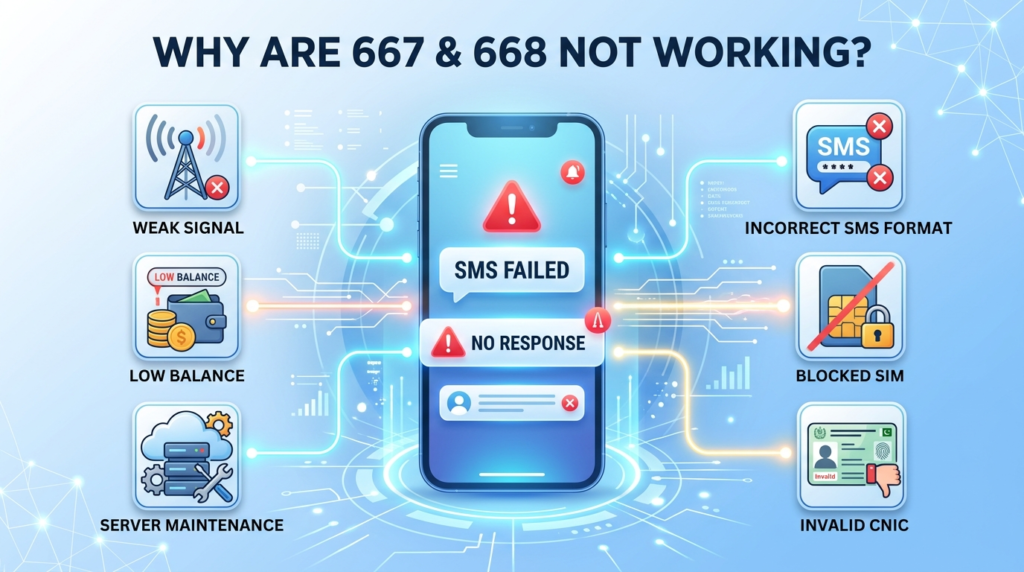
Why Are 667 or 668 Not Working?
There is no universal reason why they stop working, because it can be conditioned by several factors such as your network, device, SIM card, and other limitations of telecom operators.
Below are the most common issues that our users report.
1. Incorrect SMS Format
Using the wrong SMS format is one of the biggest reasons verification requests fail.
A small typing mistake can prevent the system from processing your request.
Common Mistakes
- Entering the wrong CNIC number
- Typing an incorrect mobile number
- Adding unnecessary spaces
- Using special characters
- Sending incomplete information
How to Fix It
- Double-check every digit before sending.
- Follow the official SMS format provided by your operator.
- Remove unnecessary spaces or symbols.
- Send only one request.
Even a single incorrect digit can cause the service to reject your request.
2. Weak Mobile Network
Your SMS must reach the telecom server before it can be processed.
If your phone has poor signal strength, your message may never be delivered.
Weak coverage usually occurs:
- Inside large buildings
- Underground locations
- Remote villages
- Mountainous areas
- During severe weather
Solution
- Move to an area with better network coverage.
- Wait till you get a better network connection.
- Restart your device to reconnect to the nearest mobile tower.
- Try resubmitting your request.
Most users find it helpful to change location to resolve the issue.
3. Temporary Network Congestion
During busy hours, thousands of users may send verification requests simultaneously.
As a result, telecom servers become overloaded, causing delays or temporary failures.
Signs of Network Congestion
- No SMS reply
- Delayed response
- SMS remains pending
- Response arrives much later
Solution
- Wait 15–30 minutes.
- Retry only once.
- Avoid sending repeated SMS requests.
Multiple requests do not speed up processing and may create additional delays.
4. Service Maintenance
Telecom companies sometimes carry out scheduled maintenance to optimize the system performance.
As a result, the 667 and 668 may be disrupted during these periods.
This does not necessarily mean that there is an error with your SIM card.
Solution
- Wait until maintenance is completed.
- Try again later.
- Avoid repeatedly sending the same SMS.
Maintenance work is usually completed within a short time, so simply wait and try your request again later.
5. Insufficient Mobile Balance
Although these services require only a small SMS charge where applicable, insufficient balance can prevent your message from being sent successfully.
Many users overlook this simple issue.
Solution
- Check your available balance.
- Recharge if necessary.
- Send the request again.
Keeping a small balance on your SIM helps avoid SMS-related problems.
6. SIM Is Inactive or Blocked
If your SIM has been inactive for a long time or has been suspended by the operator, service requests may fail.
Possible Reasons
- SIM not used for several months
- SIM blocked by the operator
- SIM reported lost
- Registration issue
How to Check
Confirm your SIM can:
- Make calls
- Receive calls
- Send regular SMS messages
- Use mobile data (if applicable)
If these services don’t work, the issue is likely with your SIM rather than 667 or 668.
7. Phone Software Problems
Sometimes the issue isn’t with your network at all.
Temporary software glitches on your phone may interrupt SMS delivery.
Common Causes
- Messaging app bug
- Network settings issue
- Phone not connected correctly
- Temporary operating system error
Solution
- Restart your phone.
- Update your messaging application.
- Reinsert your SIM card.
- Refreshing your network by briefly using Airplane Mode can sometimes resolve temporary SMS connection issues.
These steps may resolve your issue with sending and receiving SMS texts.
Common 667 and 668 Errors and Their Fixes
Below are the most frequently reported problems and the easiest ways to fix them.
Error 1: No Response Received
This is the complaint most users experience.
Your SMS appears to be sent successfully, but no reply arrives.
Possible Reasons
- Busy telecom servers
- Weak network signal
- Delayed SMS delivery
- Temporary maintenance
- Network congestion
How to Fix It
- Wait a few minutes.
- Check your network signal.
- Restart your phone.
- Send one fresh request.
- Contact customer support if there’s still no response after several hours.
Error 2: Invalid CNIC
An Invalid CNIC error usually means the information entered cannot be verified.
Common Causes
- Wrong CNIC digits
- Missing numbers
- Typing mistakes
- Incorrect registration details
Solution
- Verify every digit carefully.
- Remove unnecessary spaces.
- Confirm you’re using the correct CNIC.
- Send the request again.
Carefully checking your CNIC before sending the SMS prevents most errors.
More: Check Number of SIMs on CNIC
Error 3: SMS Failed
Some phones display an SMS Failed or Message Not Sent notification before the request even reaches the telecom server.
Possible Causes
- Low balance
- Temporary network issue
- SMS service disabled
- SIM problem
Solution
- Check your balance.
- Confirm SMS services are active.
- Restart your phone.
- Try again after a few minutes.
Error 4: Service Unavailable
This message usually indicates that the verification system is temporarily unavailable.
Possible Reasons
- Scheduled maintenance
- Heavy traffic
- Telecom server issue
Solution
- Wait patiently.
- Try again later.
- Avoid sending repeated SMS requests.
In most cases, the service becomes available again automatically.
Error 5: Record Not Found
Sometimes the system cannot locate the requested information.
This doesn’t always mean the record doesn’t exist.
Possible Reasons
- Recently activated SIM
- Recently updated registration
- Temporary database delay
- Incorrect information entered
Solution
- Verify your details.
- Wait if your SIM was activated recently.
- Retry later.
- Contact your mobile operator if the issue continues.
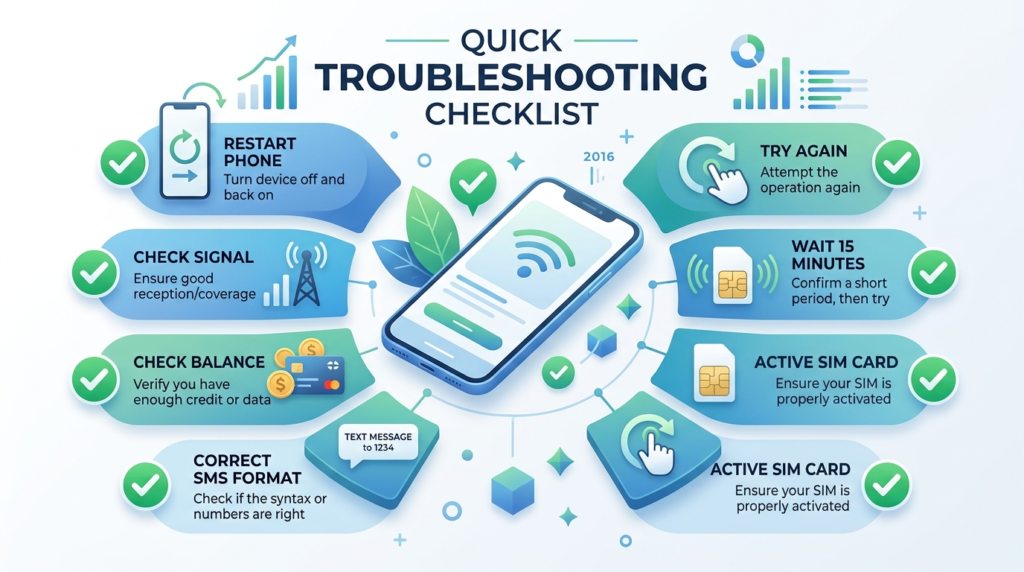
Quick Troubleshooting Checklist
Before contacting customer support, go through this checklist.
- Check your network signal.
- Verify your SMS format.
- Confirm every CNIC digit.
- Make sure that your SIM is active.
- Make sure that on your SIM there is enough balance.
- Reboot your phone.
- Wait a few minutes and try again.
- Do not send several SMS requests.
These simple checks solve most 667 and 668 issues without additional assistance.
Error 6: Incorrect SIM Count
Sometimes 668 displays more or less of SIMS as expected. This does not necessarily mean that the information is wrong. In most cases, the reason for this is that the telecom database has not been updated yet.
Why It Happens
- A newly activated SIM has not been added to the database yet.
- A blocked or closed SIM is still showing.
- Recent registration changes haven’t synchronized.
- Temporary database delays.
How to Fix It
- Wait for the database to update.
- Check the result again after some time.
- If the issue continues, contact your mobile operator for verification.
Error 7: Recently Purchased SIM Not Showing
A newly purchased SIM may not appear immediately after activation.
Why It Happens
Every new SIM passes through multiple registration and verification systems before becoming fully active.
Solution
- Continue using the SIM normally.
- Allow sufficient time for activation.
- Check again later.
- Visit your operator’s service center if the problem continues for an unusually long period.
Error 8: Blocked or Suspended SIM
If your SIM has been blocked or suspended, it may not be able to send SMS requests to 667 or 668.
Common Reasons
- SIM remained inactive for a long period.
- The SIM was reported lost or stolen.
- The operator temporarily restricted the account.
- Registration verification is pending.
Solution
First, confirm your SIM can:
- Make calls
- Receive calls
- Send normal SMS messages
- Access mobile data (if available)
If none of these services work, contact your mobile operator to restore your SIM before trying the verification service again.
More: Block Unauthorized SIM Online in Pakistan
Error 9: Ported Number (MNP) Issues
If you recently switched networks while keeping the same mobile number, some verifications may not work right away.
Why it happens
Mobile Number Portability (MNP) requires telecom systems to update your information across different databases. During this process, temporary delays may occur.
Solution
- Wait until the porting process is completed.
- You can retry after some time.
- Contact your operator if the problem is not resolved for a long time.
Error 10: SIM Registration Problem
- Incomplete or incorrect registration details are the primary cause why 667 or 668 do not return the correct information.
- Solution
- Make sure you provide the correct registration details.
- Visit your operator’s customer service centre to update your registration details if needed
- Always carry your original CNIC along with you while dealing with any franchisor/service centre.
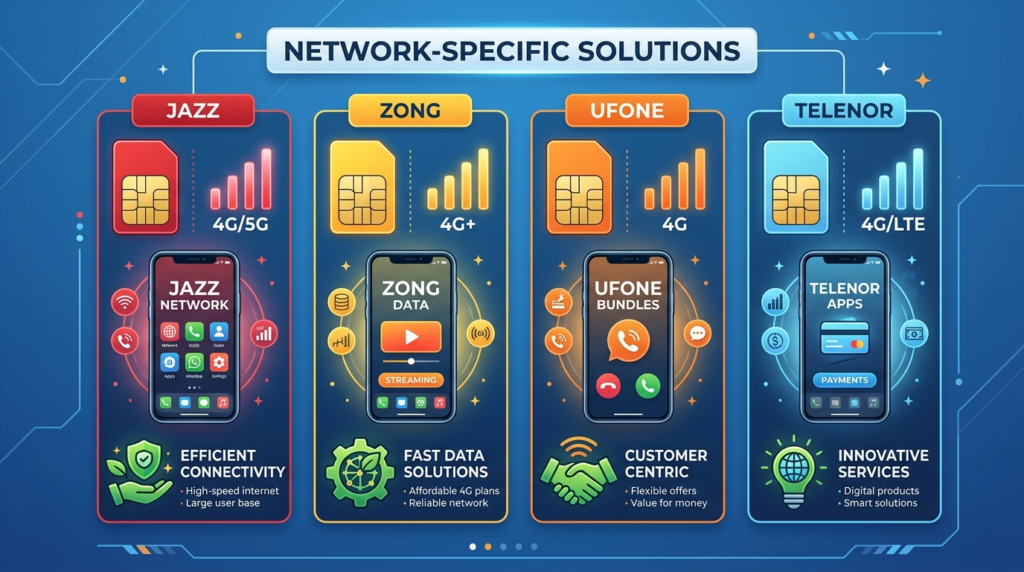
Network-Specific Solutions
| Network | What to Do |
| Jazz | Enable SMS, restart phone, and try again. |
| Zong | Check signal, restart device, and resend the SMS. |
| Ufone | Verify your SIM is active and try again later. |
| Telenor | Check balance, improve signal, and restart your phone. |
Phone Settings That Can Affect SMS Services
Sometimes the issue may not be with the network but rather with your phone so make sure you do the following:
- Check whether your airplane mode is off
- SIM is inserted properly, not stuck
- sms option is on
- check default messaging app
- Check for a good network connection
- The date and time are properly set.
Sometimes turning off and on your phone can also help.
Alternative Ways to Verify SIM Information
If 667 or 668 isn’t working, you don’t necessarily have to rely on SMS.
You can also:
- Contact your mobile operator’s customer support.
- Visit the nearest customer service center or franchise.
- Use your operator’s official mobile app if it offers SIM management features.
- Check official telecom services whenever available.
- Using official procedures can help to protect your personal information and ensure that you get accurate results.
What if I get wrong information?
- Sometimes, the information retrieved may not match the one you provided.
- before jumping to conclusions
- make sure that you entered the correct number or cnic.
- Send only one new request.
- Compare the information with your own records.
- Wait if you recently activated or blocked a SIM.
If the information still appears incorrect after repeated checks, contact your operator for verification.
When Should You Contact Customer Support?
You should contact your mobile operator if:
- You receive no response after several attempts.
- Your SIM cannot send normal SMS messages.
- Your SIM appears blocked.
- Your registration details require correction.
- Your SIM count remains incorrect after waiting.
- Your issue continues despite following all troubleshooting steps.
Customer support can verify your account and identify network or registration-related problems.

Best Practices to Avoid Future Problems
Below are some of the best practices that can help avoid future verification problems
- Register every SIM card with your CNIC (Computerized National Identity Card) on your own.
- Keep your data up to date.
- Do not share your CNIC with others.
- Keep your SIM card active by using it occasionally.
- Report any loss or theft of your SIM card immediately.
- Check periodically which SIM cards are registered under your name.
- Do not give your personal information to phishing sites or emails.
This way, you can increase your smartphone security and avoid many troubles with verification in the future.
Conclusion
When 667 or 668 stops working there is no reason to panic. Usually, this error is removed when checking the SMS message format, connection to the network, and battery or airtime balance. If this does not help, contact your mobile carrier to check account information and eliminate telecom problems. After going through this guide, you will be able to troubleshoot the most common problems related to 667 service and 668 service and will be able to get your issue resolved in the shortest time span.
FAQs
Why does 667 not reply?
The service might be busy on technical grounds, try again after some time.
Why does 668 not reply?
It is possible that your request did not reach the telecom server, in this case, check your network connection and try again. Furthermore, this service might be down for maintenance reasons, try again later.
Why is my SMS facility not working?
Your credit balance may be low, network connection may be unstable, your SIM may be locked, or maybe the SMS facility is turned off on your phone.
Why is my SIM count showing incorrectly?
It is possible that the database is updating, make sure to wait until the process is over.
Can we use these services through a keypad phone?
Yes, you can use both services through the key pad of the cell phone as well as smart phones.
Can blocked SIM access 667 or 668?
It depends upon why your SIM is blocked, until that issue is resolved your blocked SIM will not be able to access 667 or 668.
How much time should I wait before sending SMS once again?
If it is the case that the service is down due to heavy traffic. Wait for 15-30 mins before sending another request.