
Check Jazz SIM Owner Detail Online in Pakistan 2026 Complete Guide
In the past year cases of unauthorized SIMs registration, misuse of mobile numbers, and identity-related issues have raised concerns among users about their personal information. Checking your Jazz SIM ownership details helps you confirm whether a SIM card is registered correctly with your CNIC and prevents potential misuse. Jazz is Pakistan’s largest telecom network. It is serving customers nationwide. People search for ways to check Jazz SIM owner details online, verify their registered numbers, and search data about SIMs linked with their CNIC. However, it is important to understand that private subscriber information is protected and cannot be accessed publicly without proper authorization.
The PTA provides official channels that enable users to verify their SIM registration details securely. In this guide, we will explain the legitimate ways to check Jazz SIM information, verify SIM is registered on your CNIC, and understand the steps you can take if you find any unknown SIM registered in your name.
How to Check Jazz SIM Ownership Information Through Official Methods
Many people search for Jazz SIM owner details online to confirm whether a mobile number is registered under their own name or CNIC. But it’s important to understand that however information such as name, personal details is not publicly available due to privacy and security laws.
Always use the official PTA methods and Jazz verification methods to check the Jazz SI Ownership. These methods check the number of SIMs registered on CNIC and identify the unknown SIMs.
More: Check SIM Owner Details Online
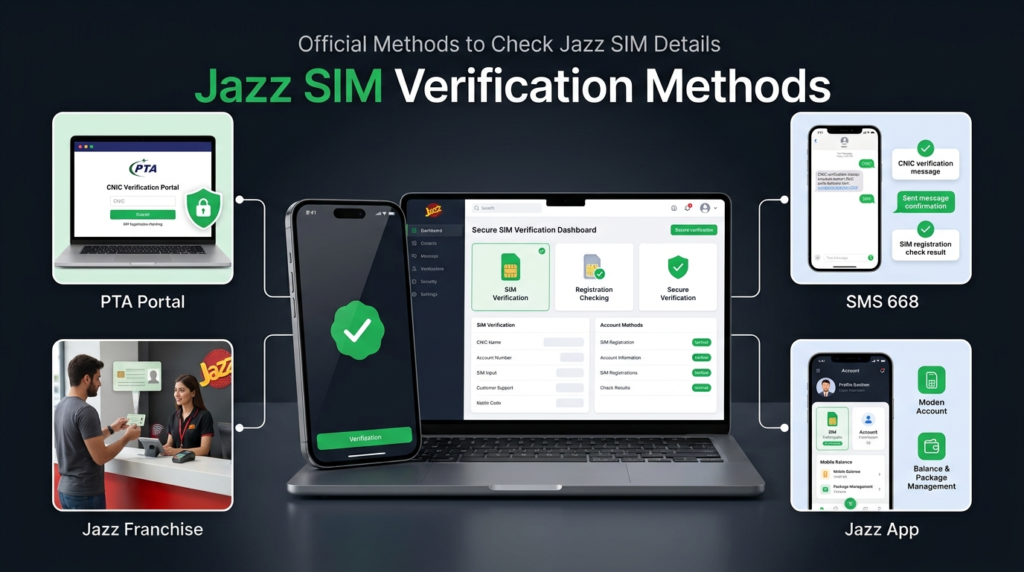
Official Methods to Check Jazz SIM Details
Check Jazz SIMs Registered on CNIC Through PTA SIM Information System
PTA allows people to check the number of SIMs registered on their CNIC. This service works for all major networks including Jazz.
- Go to the official PTA SIM Information System website.
- Enter your CNIC without dashes/
- Complete the required verification process.
- The system will show the total number of registered SIMs on CNIC.
Check SIMs Registered on CNIC Through 668 SMS Service
Users can also check their SIM registration status through PTA’s SMS-based verification service. This method is quick and does not require internet access.
Steps to check through SMS:
- Go to your phone’s Messages app where you can send an SMS request.
- Type your CNIC number without dashes.
- Send it to 668.
- After verification, you will receive a summary of SIM connections registered against your identity.
This service is designed to help users monitor SIM connections linked with their identity and detect any suspicious registrations.
Visit the Jazz Franchise
If you need help regarding a specific Jazz SIM, such as an unknown SIM registered on your CNIC or ownership-related issues, visiting an authorized Jazz franchise is the safest option.
You may need to:
- Carry your original CNIC.
- Complete biometric verification.
- Explain your SIM-related concern.
- Request assistance from Jazz customer support staff.
Check Jazz SIM Details Through Jazz World App
Steps:
- Install Jazz World App
- Login using Jazz number
- Open profile/account section
- View registered account information
This is the easiest and fastest way to check your Jazz number information. You can also manage your packages, check balance and view account details.
Important Privacy Guidelines
Before using any online services that claim to provide Jazz SIM owner details such as personal information, names, It is important to understand that:
- Personal information is protected due to privacy regulations.
- Any third party website that claims to provide personal information may be unsafe.
- Never share your personal information such as CNIC, OTP codes or biometric information to unknown platforms.
- Always use the official and PTA approved channels for checking SIM Owner Details.
| Method | Required | Information |
| PTA SIM Information System | CNIC | Total SIMs registered |
| SMS 668 | CNIC | Network registration details |
| Jazz Franchise | CNIC + biometric | Ownership verification |
| Jazz App | Account access | Your Jazz account details |
Check Jazz SIM Owner Detail by Number
Many Jazz customers search online for SIM verification methods to check information about a mobile number. However, private ownership details are protected and can only be verified through official channels. . But private SIM Ownership details of another person are protected and cannot be accessed due to privacy laws.
Only official verification methods provided by PTA and Jazz should be used to check SIM Information. These services allow users to verify SIMs registered under their CNIC and block any unknown or unwanted SIM. Avoid using unofficial websites or apps that claim to show SIM owner names, because they provide false information.
Check Number of Jazz SIMs Registered on Your CNIC
Steps:
- Go to the PTA SIM Information System website
- Enter your CNIC
- Verify captcha
- View the network wise SIM count
Such as:
| Network | SIM Count |
|---|---|
| Jazz | Registered SIM count |
| Zong | Registered SIM count |
| Telenor | Registered SIM count |
| Ufone | Registered SIM count |
Read More: How Many SIMs on My CNIC Check Online
How to Block an Unauthorized Jazz SIM?
If you find any unknown Jazz SIM registered against your CNIC, you should block it immediately to protect your identity. PTA and Jazz provide official methods to block unauthorized SIM connections..
Visit Jazz Franchise
The most reliable way to block an unauthorized Jazz SIM is by visiting an authorized Jazz franchise.
You will need:
- Original CNIC
- Biometric verification
- Details of the SIM-related issue
Jazz staff will verify your information and guide you through the process of blocking the unwanted SIM.
More: Block Unauthorized SIM Online in Pakistan
Contact Jazz Customer Support
You can also contact Jazz customer support to report an unknown SIM and request assistance.
While contacting support:
- Explain that an unauthorized SIM is registered under your CNIC.
- Provide the required verification details.
- Request blocking of the suspicious SIM connection.
Taking quick action helps prevent misuse of your identity and ensures that only authorized SIMs remain active under your name.
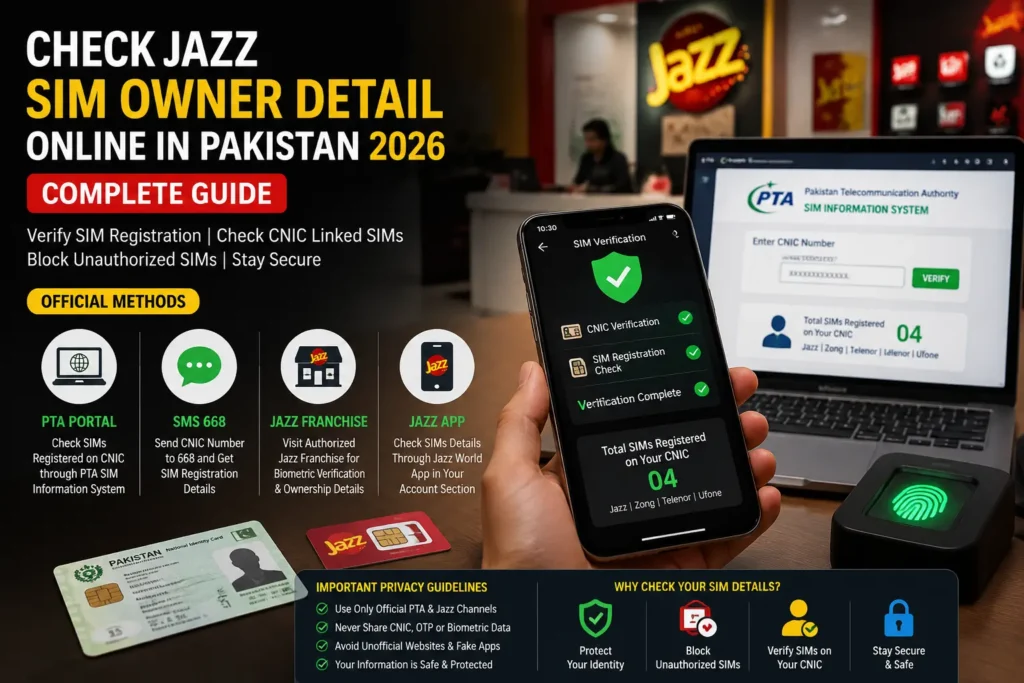
Common Issues While Checking Jazz SIM Details
| Problem | Solution |
| SMS 668 Not Working | Check CNIC format, network signals, and try again later. |
| PTA Portal Error | Clear browser cache, use another browser, or try again later. |
| Unknown SIM on CNIC | Visit Jazz franchise for verification or SIM blocking. |
| CNIC Verification Failed | Enter correct CNIC details without dashes and retry. |
| SIM Details Not Showing | Use official PTA/Jazz channels for verification. |
| Biometric Verification Issue | Ensure fingerprints match NADRA records or visit a franchise. |
| Delayed SMS Response | Wait and resend the request after some time. |
| SIM Registered Without Permission | Report the issue to Jazz customer support and request action. |
Jazz SIM Ownership Transfer Process
If you sell or give your Jazz SIM to someone else, then you should make sure to transfer Jazz SIM Ownership officially to avoid any risk.
Requirements:
- Visit an authorized Jazz franchise.
- Bring original CNICs of both users.
- Complete biometric verification.
- Request ownership transfer.
Updating SIM ownership keeps registration records accurate and prevents misuse of your CNIC.
Is Jazz SIM Owner Detail Check Free?
| Service | Cost |
| PTA Portal | Free |
| SMS 668 | SMS charges may apply |
| Franchise Visit | Usually free |
Jazz SIM Verification for Overseas Pakistanis
Pakistanis that present abroad can also verify their Jazz SIM registration details by using official PTA online services. They can check SIMs linked to their CNIC without visiting a Franchise. .
To check Jazz SIM details from abroad, users should use authorized verification channels provided by PTA and Jazz. These services help overseas users monitor their registered SIMs, identify unknown connections, and keep their mobile information secure.
For overseas SIM verification:
- Use PTA’s official online SIM Information System.
- Verify SIMs registered against your CNIC.
- Contact Jazz customer support for ownership-related issues.
- Avoid unofficial websites claiming to provide private SIM owner details.
Keeping SIM records updated is important for overseas Pakistanis to protect their identity and prevent unauthorized use of their CNIC.
Jazz Helpline
If you need assistance with Jazz SIM verification, ownership issues, complaints, or other network services, you can contact Jazz customer support through the following official channels:
- Jazz Helpline Number (Jazz Users): Dial 111 from your Jazz number
- From Other Networks: Dial 111-300-300
- Jazz Customer Support: Available for SIM-related queries, complaints, and account assistance
For SIM ownership verification or unauthorized SIM issues, you may also visit an authorized Jazz franchise with your original CNIC for biometric verification.
Conclusion
Checking Jazz SIM owner details helps you verify SIM registration, protect your CNIC, and prevent unauthorized usage. Always use official methods like PTA services, SMS verification, or Jazz support to safely manage your SIM information.
Keep your SIM records updated and never share personal details with untrusted sources.
FAQs
How can I check Jazz SIM owner details?
Use PTA SIM Information System, SMS 668, or Jazz official services.
Can I check Jazz SIM owner name by number?
Private ownership details are not publicly available. Use official verification methods.
How do I check Jazz SIMs registered on my CNIC?
Use the PTA SIM Information System.
What code checks Jazz SIM ownership?
SMS CNIC number to 668.
How many Jazz SIMs can be registered on one CNIC?
PTA determines the allowed limit according to current regulations.