
Telenor USSD Codes List 2026
The Telenor USSD Codes List 2026 provides Telenor’s clients with a collection of Short Message Service codes for faster access to the most used options while on the go. You can check your balance, remaining data, offers for calls and SMS, account-related services and many other USSD code functions.
Since USSD codes can be accessed from the phone dialer, they are typically available even when you do not have access to the mobile data or Wi-Fi. This makes them exceptionally convenient for use when your internet subscription is over or you are using a device that does not support smartphone technologies.
Read Also: Check Your Telenor SIM Owner Details Online in Pakistan
Please note that Telenor reserves the right to make changes to any USSD code, packages and their subsystems, pricing policies, as well as eligibility criteria and availability. All information contained within this article is for reference only and may be inaccurate or outdated. Double-check all USSD codes and information with Telenor’s customer support or the relevant interface before using.
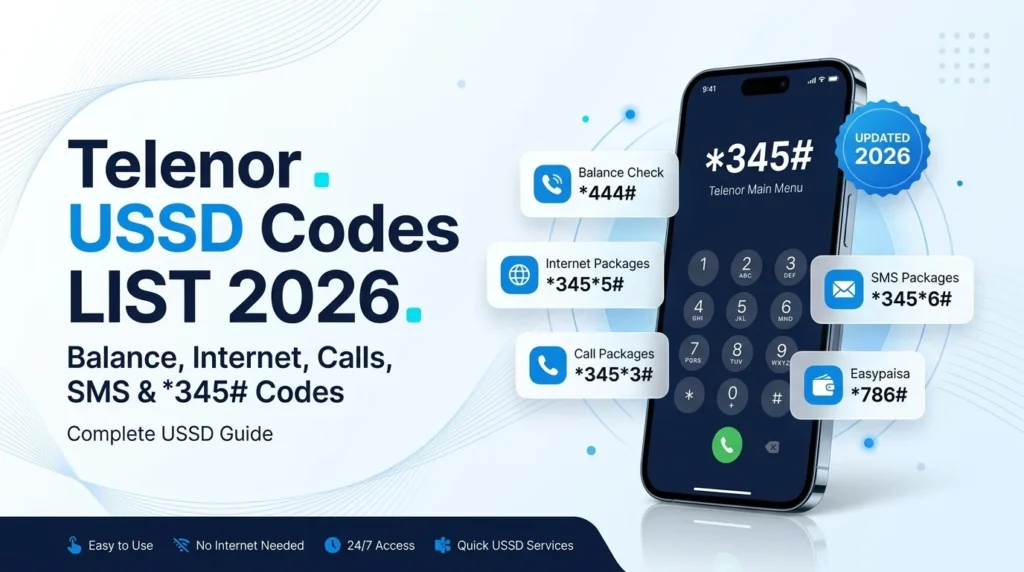
Quick Telenor USSD Codes 2026
| Service | Telenor Code | What It Does |
| Main Telenor Menu | *345# | Opens the main self-service menu |
| Balance Check | *444# | Checks available account balance |
| Remaining Resources | *999# | Checks available package resources |
| Internet Balance | *444*4# | Checks remaining internet resources |
| Internet Packages | *345*5# | Opens available internet offers |
| Call Packages | *345*3# | Opens available call offers |
| SMS Packages | *345*6# | Opens available SMS offers |
| Check Telenor Number | *888# | Attempts to display your mobile number |
| Advance Balance | *1234# | Opens the advance-balance service where eligible |
| Easypaisa | *786# | Opens the Easypaisa USSD menu |
| Telenor Helpline | 345 | Connects Telenor customers with support |
Most Used Telenor Codes
If you only need the most common shortcuts, these are the ones to remember:
- Balance: *444#
- Main menu: *345#
- Remaining resources: *999#
- Internet balance: *444*4#
- Internet packages: *345*5#
- Telenor number: *888#
- Customer support: 345
What Is a Telenor USSD Code?
USSD stands for Unstructured Supplementary Service Data. It is a communication method that allows a mobile phone to send short commands to the network.
Unlike app-based services, supported USSD commands generally work without:
- Mobile data
- Wi-Fi
- A smartphone
- A separate application
You normally need an active Telenor SIM and sufficient network coverage.
For example, instead of opening an app to check your balance, you can enter *444# in your phone’s dialer and press the call button.
Telenor Main Menu Code – *345#
The main Telenor self-service code is:
*345#
Dial it from your Telenor SIM and follow the options displayed on your screen.
Depending on the current menu and your account, you may find options related to:
- Account information
- Internet packages
- Call offers
- SMS bundles
- Other self-service options
If you don’t remember a particular shortcut, the main menu is a useful place to start.
Telenor Balance Check Code – *444#
To check your available Telenor balance, dial:
*444#
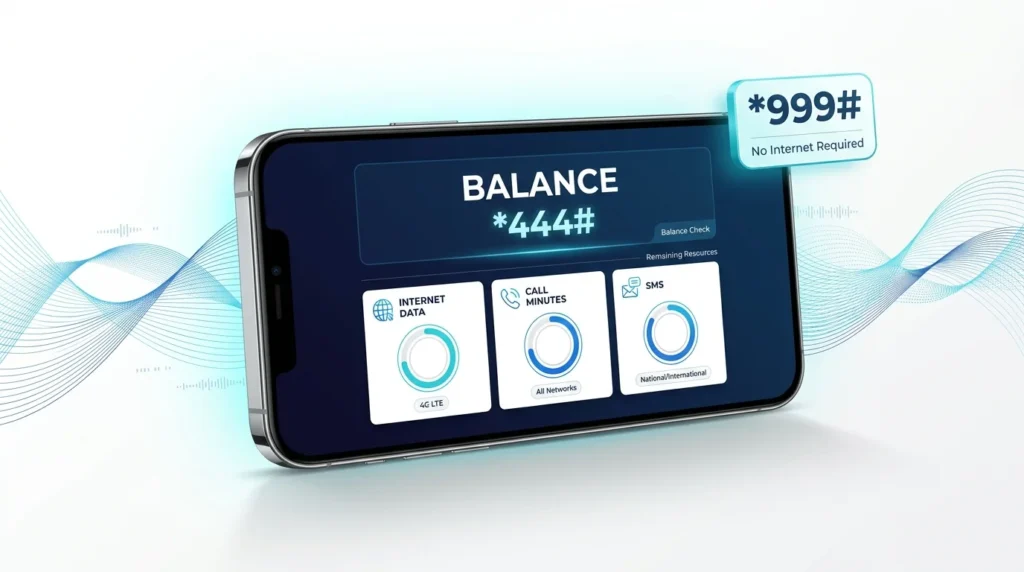
Call button. Press and wait for network response.
The balance shown can be used to see if you have funds for calls, SMS, subscriptions to services, or other billable items.
If the shortcut does not respond, you can also check the available account options through *345#.
Telenor Internet Balance Code – *444*4#
To check your remaining internet resources, try:
*444*4#
This is useful to know how many Megabytes you have left in your current plan.
It can help you if you want to do things on the Internet like watch videos or download them, but also other activities that use up your connection.
Tip: Resource information can depend on the active package and current Telenor service configuration.
Telenor Internet Package Code – *345*5#
To access available internet offers, dial:
*345*5#
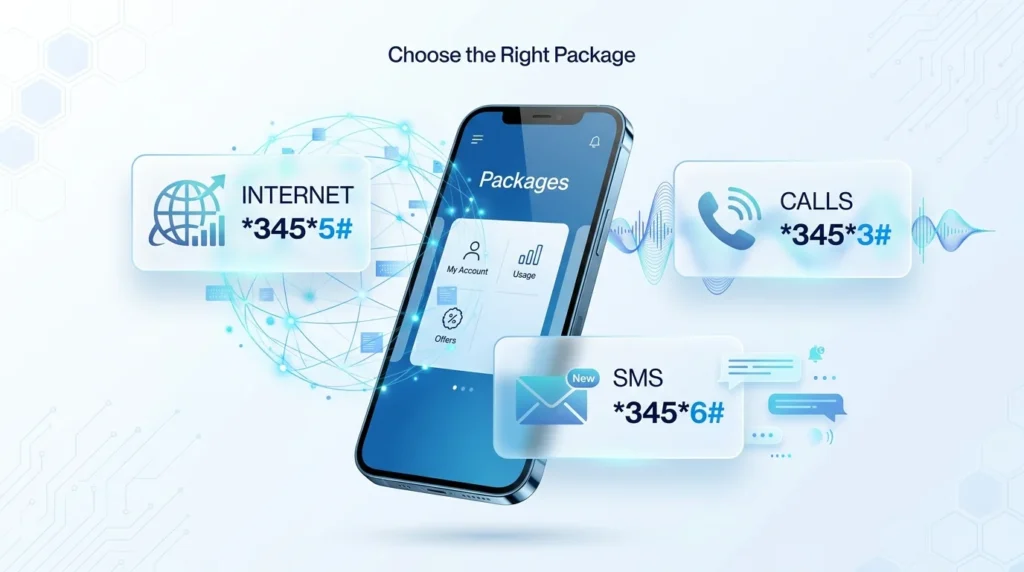
The available menu may depend on your Telenor number, prepaid status, active offers, and current promotions.
Before subscribing to a package, check:
- Price
- Internet allowance
- Validity
- Subscription conditions
- Renewal information
Do not assume that an offer available on one Telenor number will also be available on another.
Telenor Call Package Code – *345*3#
To explore available call offers, try:
*345*3#
The menu may display different voice bundles according to your number and currently available promotions.
Always review the package’s minutes, validity, price, and renewal conditions before confirming activation.
Telenor SMS Package Code – *345*6#
For available SMS offers, dial:
*345*6#
The menu can show SMS bundles available for your connection.
Check the number of SMS, validity period, price, and any renewal terms before subscribing.
How to Check Your Telenor Number
If you have forgotten your Telenor mobile number, try:
*888#
Dial the code using your phone keypad and hit the call option
If the service is available on your connection, your phone number will be shown on the screen
In case you are facing an issue, check the SIM details from your phone settings or contact Telenor customer care.
Telenor Remaining Resources Code – *999#
For information about available package resources, try:
*999#
Depending on your active packages, the response may provide information about resources such as:
- Internet data
- On-net minutes
- Off-net minutes
- SMS
- Other package allowances
This can be convenient when you want to review multiple active resources rather than checking them individually.
Telenor Advance Balance Code – *1234#
Eligible customers can try:
*1234#
to access Telenor’s advance-balance service.
The amount available, service charges, eligibility requirements, and repayment conditions may vary.
Always read the information displayed on the screen before accepting an advance offer.
Telenor Balance Share
Balance-sharing services can allow eligible users to transfer credit to another Telenor number.
A commonly referenced format is:
*1*RecipientNumber*Amount#
Example:
*1*03XXXXXXXXX*50#
However, balance-transfer codes, limits, fees, and eligibility can change. Do not rely on an old balance-sharing code if it fails. Instead, use the current Telenor self-service menu or customer support to confirm the available balance-transfer option.
Easypaisa USSD Code – *786#
The commonly used Easypaisa USSD menu is:
*786#
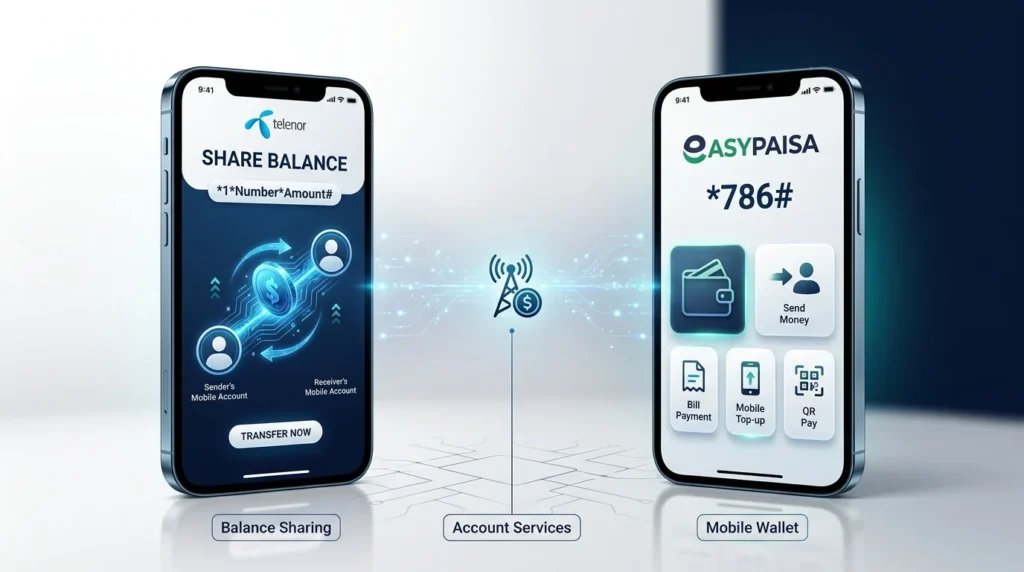
Depending on account status and current service availability, the menu may provide options for:
- Money transfers
- Mobile top-ups
- Bill payments
- Wallet services
- Account management
Easypaisa services are separate from standard Telenor SIM account services, so the options available to you may depend on your Easypaisa account.
Telenor Helpline – 345
Telenor customers can contact customer support by dialing:
345
Customer support can assist with issues such as:
- A USSD code not working
- Package activation problems
- Unexpected balance deductions
- SIM-related service issues
- Account questions
- Other network-service problems
If you are calling from another network, use the current alternative contact number provided by Telenor.
Call Forwarding Codes
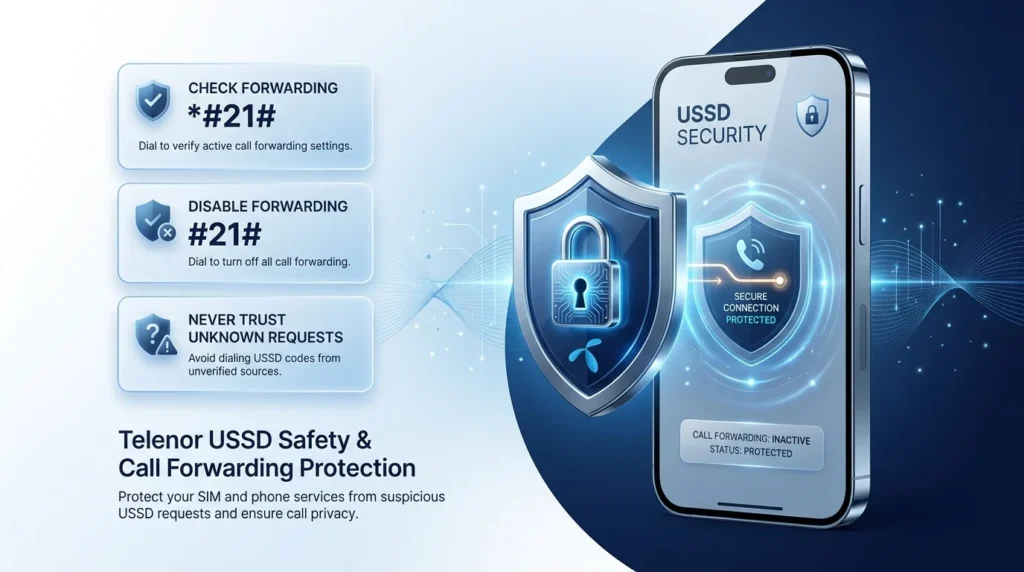
Some standard GSM call-forwarding commands include:
| Function | GSM Code |
| Check Call Forwarding | *#21# |
| Disable Call Forwarding | #21# |
| Enable Call Forwarding | **21*Number# |
These are standard GSM service commands, rather than necessarily Telenor-specific package codes. Availability can depend on the network and service configuration.
Call Forwarding Safety Warning
Never enter a call-forwarding command because an unknown person tells you it is required for:
- SIM verification
- Prize claims
- Network troubleshooting
- Account upgrades
- Identity verification
Call forwarding can redirect incoming calls to another number. If you suspect unauthorized forwarding, check your forwarding settings and contact your network provider.
Telenor Postpaid USSD Codes
Some Telenor postpaid users may encounter service menus or codes such as:
| Service | Code |
| Postpaid Menu | *1000# |
| Bill Information | *345*10# |
| Current Bill | *345*10*1# |
| Unbilled Usage | *345*10*2# |
Postpaid services can differ according to the plan and current network configuration.
If a postpaid shortcut does not work, use the current Telenor self-service options or customer support rather than repeatedly trying outdated codes.
Do Telenor USSD Codes Work Without Internet?
Yes, most USSD services are usually available even when data is off or not connected to wi-fi.
USSD uses the cellular network to communicate not the internet data.
However, your phone still needs:
- A working Telenor SIM
- Network coverage
- A functioning mobile connection
This is why USSD can be useful when your mobile data package has expired.
Can I Use Telenor USSD Codes on a Keypad Phone?
Yes.
USSD is not limited to smartphones. A compatible keypad phone with an active Telenor SIM can use supported USSD commands.
Simply open the phone’s dialer, enter the required code, and press the call button.
Why Is My Telenor USSD Code Not Working?
If a USSD command fails, several factors could be responsible.
1. Weak Network Signal
A poor or unstable signal can prevent your phone from completing the USSD request.
2. Incorrect Code
Check that every *, #, and number has been entered correctly.
3. Code Has Changed
Network operators can modify, replace, or discontinue USSD shortcuts.
4. Account Eligibility
Some packages and services are available only to certain customers.
5. Temporary Network Problem
A temporary network or service issue may prevent the code from responding.
6. Service Is Not Available on Your SIM
Some services may vary depending on your subscription plan, account type, or sim configuration.
In case your issue is not solved, please contact Telenor through the main menu or customer support.
Are Telenor USSD Codes Free?
USSD availability and charges can vary by service.
A basic menu or balance inquiry may have different conditions from a package subscription or other paid service.
Before confirming an offer, carefully review:
- Price
- Validity
- Included resources
- Subscription terms
- Auto-renewal conditions
- Any applicable service charges
Never assume that every USSD interaction is free.
Telenor USSD Safety Tips
USSD codes are helpful, however, it is necessary to be cautious while typing a certain USSD code
- Never reveal OTP to any individual
- Never disclose your Easypaisa MPIN
- Do not enter a certain USSD code if a stranger tells you to do so.
- Check package charges before confirming a subscription.
- Be especially careful with call-forwarding commands.
- Review unexpected balance deductions.
- Contact customer support if you suspect unauthorized SIM activity.
Frequently Asked Questions
What is the Telenor balance check code?
The commonly listed Telenor balance-check code is *444#. Enter it from your Telenor SIM and press the call button.
What is the main Telenor USSD code?
The main Telenor self-service menu is *345#.
How can I check my remaining Telenor MBs?
Try *444*4# to check remaining internet resources.
How can I check all my remaining Telenor resources?
Try *999# for available resource information.
How can I check my Telenor number?
Try *888#. If the shortcut is unavailable, use Telenor’s current self-service options or customer support.
How can I find Telenor internet packages?
Try *345*5# to access available internet offers.
How can I check Telenor call packages?
Try *345*3# to view available call offers.
What is the Telenor SMS package code?
Try *345*6# to access available SMS offers.
What is the Easypaisa USSD code?
The general USSD menu for Easypaisa is 786#, depending on your account and service availability.
Do Telenor USSD codes require internet?
Typically, no. Most of the codes listed here don’t need you to have an internet connection (mobile data or WiFi), but your phone needs to be connected to the network.
Can I use Telenor USSD codes on a non-smartphone?
In general, yes. Most USSD codes work on phones that don’t have touch screens; however, some advanced options may only be available on smartphones.
Why is my Telenor USSD code not working?
The menu/code you are trying to access may have changed. It is also possible that your phone has no network connection, the service is unavailable in your area, or your account is ineligible for the service.
What do I do if the code doesn’t work?
Make sure that you entered the right code and that you have a good connection. You may also try calling the general menu 345# and contacting Telenor asking what short codes are active.
Conclusion
The Telenor USSD Codes List 2026 is a practical guide containing the most popular and frequently used shortcodes for managing and using all the basic services of a SIM operator without using the mobile Internet. The most popular codes are:
345# – for the main menu (the most popular button),
444# – to check the balance,
999# – to view the remaining data volume (for postpaid),
4444# – for Internet resources,
3455# – for Internet packs.
USSD codes are subject to change as Telenor’s services, options, and tariffs evolve. If a certain code stops working, it means that it has been removed from the system (probably because there are more convenient alternatives now). In that case, do not try to re-install it by sending a USSD request several times. It will only damage your subscription or account balance. To find out what options are currently available, you can study the list provided above. If you decide to subscribe to a paid service, be sure to check the cost, equipment, and conditions for extension (if any).