
How to Block Unauthorized SIM Online in Pakistan
If you find an unauthorized SIM linked to your CNIC, take immediate action. SIM that is registered on your CNIC without your knowledge or permission can be misused for fraud, identity theft, and other illegal purposes. Checking regular SIMs registered on your CNIC through the official PTA websites or by the 668 service. This help can protect your identity from misuse, unauthorized SIMs, and any financial fraud. Unauthorized SIMs may lead to security and privacy risks. This guide explains the official methods for checking the SIMs registered to your CNIC and blocking any unauthorized SIMs through approved PTA services. All the steps are explained on how you can protect your identity and keep your mobile records safe.
What Is an Unauthorized SIM?
A SIM card that is registered on your CNIC without your permission and knowledge is an unauthorized SIM. It may result in identity misuse, financial scams, and registration errors. Every SIM in Pakistan is directly linked to a CNIC; you should block it immediately to keep your identity and data safe.
Read More: Check SIM Owner Detail
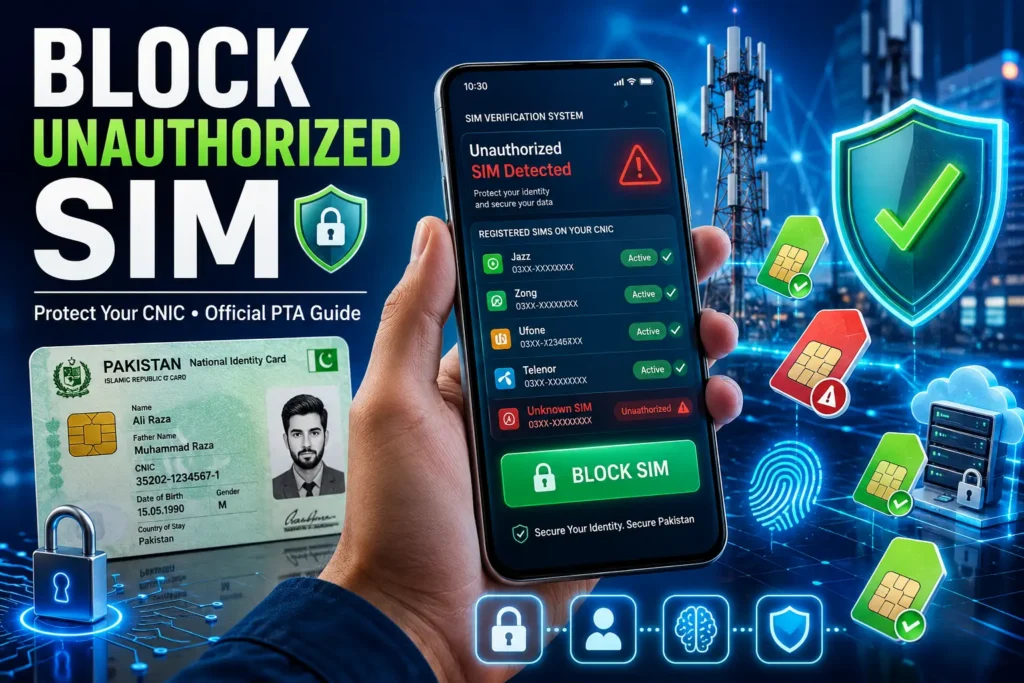
Why You Should Block an Unauthorized SIM
Blocking an unauthorized SIM helps you:
-
- Protect your personal identity from illegal access
- Prevent misuse of your CNIC by scammers
- Improve your account security by keeping your SIMs linked to your CNIC
- Reduce the risk of fraud
- Maintain accurate mobile records according to the PTA rules
- Avoid legal issues if a SIM is used for illegal activities
Check Registered SIMs on Your CNIC
The safest way to check the SIMs linked to your CNIC is by using official PTA services. Avoid any third-party websites or apps that claim to provide SIM ownership data.
Check Through the Official PTA SIM Information System
You can check the number of SIMs registered on your CNIC by using the official PTA information system.
Steps to check:
- Visit the official PTA information system website, cnic.sims.pk
- Enter your CNIC number
- Complete the verification process
- View the total number of active SIMs registered on your CNIC under each mobile network.
Read More: Check SIM Information Online – Complete Guide
What information is shown?
- The number of SIMs that are active on your CNIC
- A network-wise summary (such as Jazz, Zong, Telenor, Ufone, etc.)
- It does not show the personal details for privacy reasons.
Check Through Your Mobile Network
If you need assistance, please contact your mobile network operator. Customer support can guide you through the verification process and request that they block or resolve your unauthorized registration according to the PTA process.
Important: Always use the official PTA service or your mobile network operator’s official customer support to check your SIM record and block unauthorized SIMs. Avoid unofficial websites that claim to reveal SIM owner details or personal information.
How to Block an Unauthorized SIM (Official Process)
Verify the SIMs Linked to Your CNIC
Check that all the SIMs are registered to your CNIC by using the official PTA SIM Information System. Review the list carefully to identify any unknown SIMs.
Identify Unauthorized SIMs
Compare the registered SIMs with the mobile number you actually own and use. If you find any unauthorized SIMs, note the mobile network associated with them.
Contact the Relevant Mobile Operator
Contact the customer support center or visit the nearest franchise center or service center of the mobile operator that issued the unauthorized SIM.
Request SIM Deactivation
Inform the operator that the SIM is not yours and request that it be blocked according to the official verification process.
Complete Identity Verification
Provide your original CNIC and complete any required information or the biometric verification requested by the operator before processing your request.
Confirm the SIM Has Been Removed
After your request is process check your SIM record again through the official PTA SIM Information System to confirm that the unauthorized SIM is no longer registered to your CNIC.
Can You Block an Unauthorized SIM Completely Online?
- Yes, you can report or block an unauthorized SIM through the official PTA complaint channel or by contacting the relevant mobile network operator. However, the final deactivation process depends on the operator verification requirements.
- In some cases, you may need to complete the identity verification or visit an authorized customer service center or franchise before the SIM is blocked. Always use the official PTA services and your mobile network operator‘s support channel, and avoid using the unofficial websites that claim to deactivate SIM online.
Network-Wise SIM Blocking Assistance
If you find an unauthorized SIM linked to your CNIC, contact the mobile network operator. Each operator follows its own verification process before processing a SIM deactivation request.
Jazz
- Contact Jazz customer support (111) from the Jazz number to block the unauthorized Jazz SIM.
- Visit the nearest Jazz Franchise or service center with your Original CNIC.
- Request the staff to verify your account and block or remove the unauthorized SIMs from your CNIC.
Zong
- Call the Zong Customer (310) from a Zong number to report the issue.
- If required, then go to the Zong Customer Service Center with your original CNIC.
- Complete the identity verification and request the representative to block the unauthorized SIM.
Telenor
- Call the Telenor Customer Support (345) to block an unauthorized SIM.
- If the additional verification is required, then go to the nearest Telenor Franchise with your original CNIC.
- Request the operator to block your unauthorized SIM according to the official method.
Ufone
- Contact the Ufone Customer Support (333) from a Ufone number to report an unauthorized SIM.
- Follow the instructions provided by the customer support care.
- If required, then visit the Ufone Franchise with your original CNIC and request the operator for the removal of the unauthorized SIM.
Important: There are no official USD and SMS codes from Jazz, Zong, Telenor, and Ufone to block an unauthorized SIM. SIM deactivation requests are handled through the customer support after the identity verification process.
Required Documents to Block Unauthorized SIM
| Requirement | Purpose |
| Original CNIC | Identity verification |
| Mobile Number | Identify the SIM |
| Biometric Verification (if required) | Security confirmation |
What If the Mobile Operator Does Not Resolve the Issue?
If the operator does not resolve the unauthorized SIM issue, you can also submit a complaint through the official PTA Complaint Channel. Keep your CNIC details, mobile operator information, and complaint records when submitting your request. PTA helpline: Dial 0800-55055 for any guidance and customer support.
- Follow up on your complaint status until the issue is resolved.
Common Mistakes to Avoid
| Mistake | Why to Avoid |
| Using unofficial SIM lookup websites | May expose personal information |
| Sharing CNIC publicly | Increases identity misuse risk |
| Ignoring unknown SIMs | Could lead to future issues |
| Delaying complaints | May prolong resolution |
How to Protect Your CNIC From Unauthorized SIM Registration
- Avoid sharing CNIC copies unnecessarily and only provide to trusted and authorized organizations.
- Do not upload your CNIC on untrusted websites.
- Check regularly registered SIMs on your CNIC.
- Keep your personal information secure and avoid sharing it with any unknown individual.
- Stay alert against scams and fake SIM registration offers that request your personal details.
- Report illegal SIM activity immediately to your mobile network operator or PTA to prevent any misuse.
Conclusion
Securing your SIM record is an important step to protect your personal information and identity. Regularly checking SIMs registered on your CNIC identifies the unknown numbers. Contact the mobile network customer support online with the numbers given above in the article, and request to block unauthorized SIMs from your CNIC. If the mobile operator does not resolve the issue, you can complain at the PTA portal and also visit the nearest mobile operator franchise with your original CNIC to block the unauthorized SIM.
FAQs
Can I block an unauthorized SIM online?
Yes, you can report an unauthorized SIM online through the official PTA or your mobile operator. Depending on the verification requirements, you may still need to complete identity verification before the SIM is blocked.
Is visiting a franchise always required?
No, it depends on your mobile network operator’s verification process. If identity verification is necessary, then you may need to visit the franchise or service center.
How long does the SIM deactivation process take?
The processing time may vary depending on the mobile network operator and the verification required. Some requests may be processed within a short time, while others can take longer.
Can someone register a SIM without my permission?
Yes. In some cases. This may happen due to identity misuse, fraud, and registration errors. Regularly checking SIM details can protect you from this.